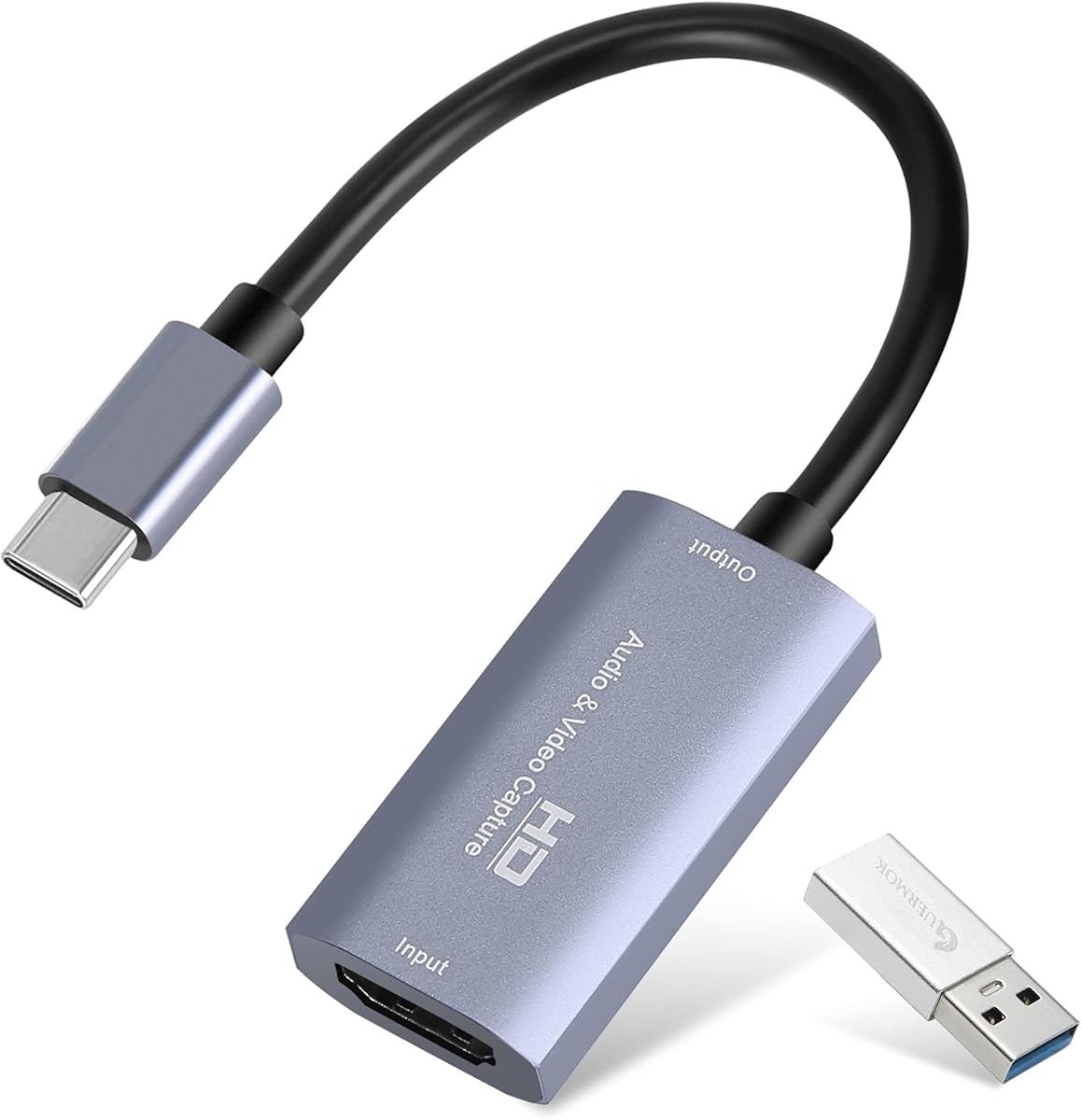
Guermok Video Capture Card
4.4Editor score
USB 3.0 high speed
Plug and play design
Wide system compatibility
This guide compares the top HDMI to USB capture devices for streaming and recording, evaluating performance, compatibility, and value for content creators in
Finding the right HDMI to USB capture device is essential for streamers and creators who want to broadcast high-quality video from consoles or cameras. A good capture card ensures low latency, reliable connection, and support for various resolutions to meet your specific broadcasting needs.
We evaluated ten leading models based on performance, build quality, and compatibility with popular software like OBS and Zoom. Our analysis focuses on real-world usability, including plug-and-play functionality, heat management, and support for different operating systems and devices.
Each pick highlights key strengths and ideal use cases to help you decide which device fits your setup. Please note that product availability and details may change over time, so always verify the latest specifications before making your final purchase decision.
4.4Editor score

4.7Editor score
4.6Editor score
The following table provides a side-by-side comparison of the top HDMI to USB capture devices available this month. We have selected key specifications to help you quickly identify which model offers the features you need for your specific streaming or recording setup.


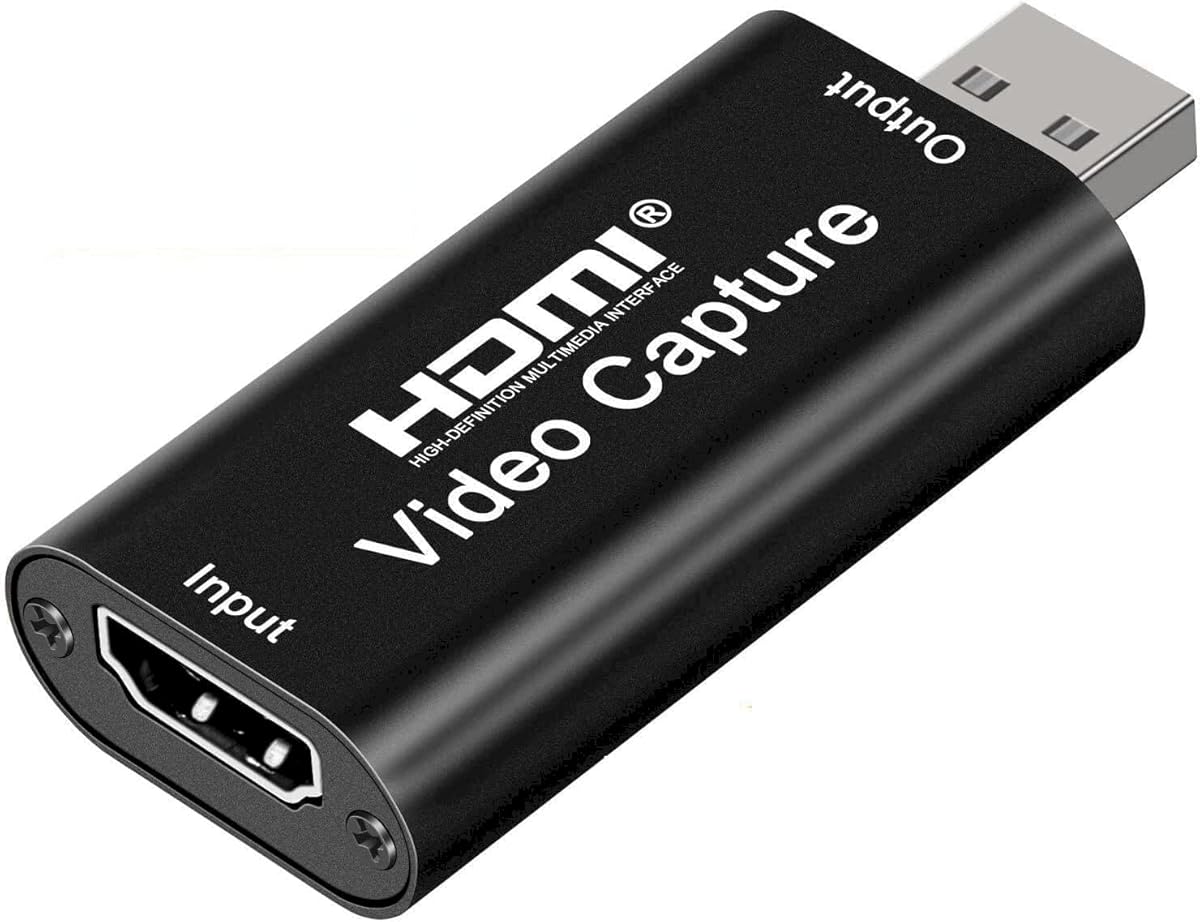
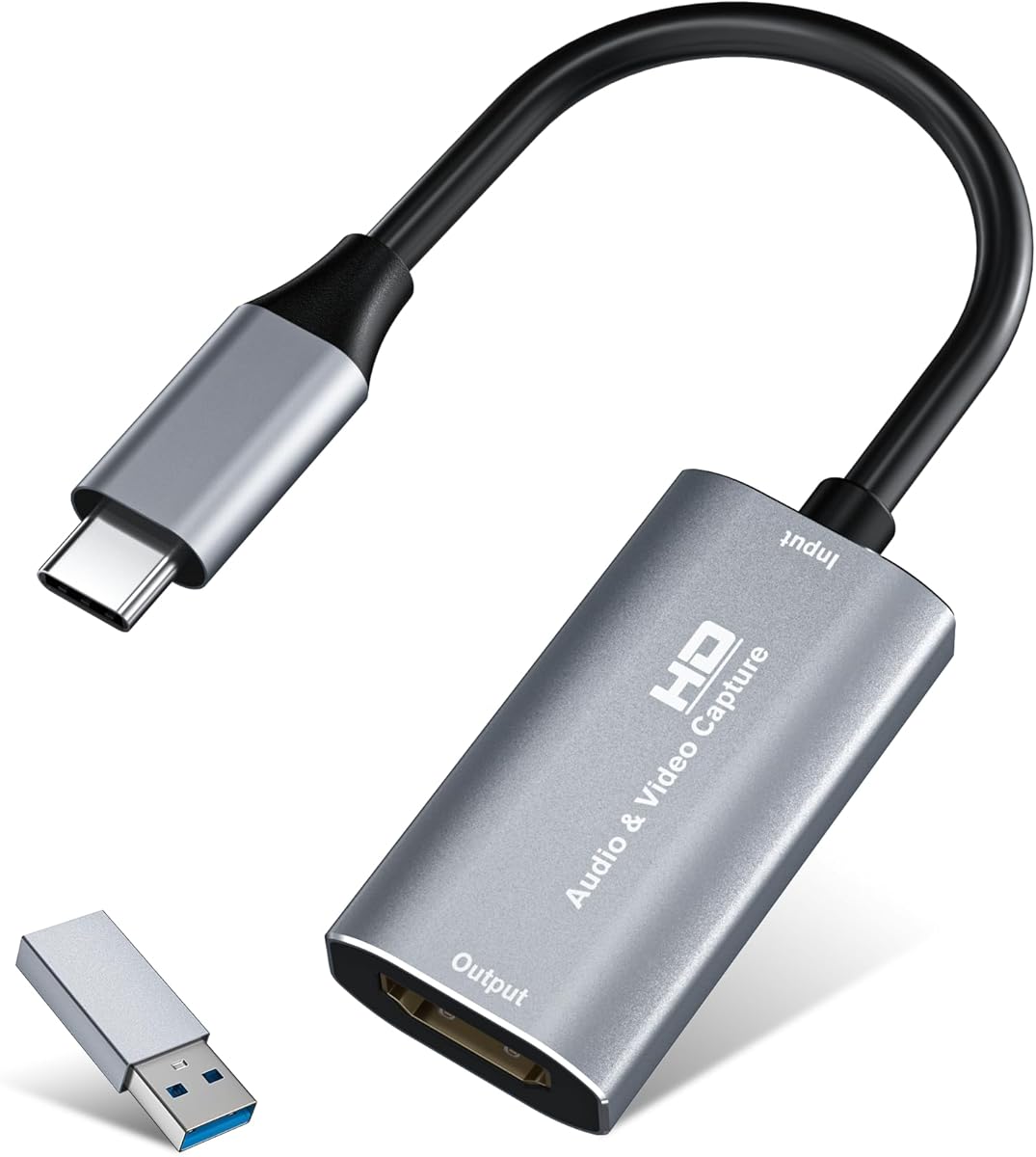


The Magewell USB Capture HDMI Gen 2 stands out as the top choice for professionals seeking a reliable HDMI to USB capture device. With a high rating of 4.7 stars, this device delivers consistent performance for 24/7 operation, making it ideal for demanding environments like studios or continuous streaming setups.
We may earn a commission when you buy through this link, at no additional cost to you.
Its FPGA-based video processing handles cropping, scaling, and color conversion on-device, which significantly reduces CPU load on your computer. This ensures smooth, detailed video capture up to 1080p60 without stuttering or frame drops. The plug-and-play USB 3.1 Gen 1 interface works instantly on Windows, macOS, Linux, and Chrome OS, offering exceptional versatility.
While it comes at a higher price point than consumer models, the durability and reliability justify the investment. The compact design includes thermal protection and status LEDs for easy monitoring. The only trade-off is the lack of an HDMI loop-out, which might be a limitation for some live monitoring needs.
If you need a capture card that prioritizes stability and professional features over cost, the Magewell is the definitive choice. It is best suited for users who require uninterrupted, high-quality video capture for broadcasting, recording, or conferencing applications.
The onboard FPGA chip handles complex video tasks independently, freeing up your system resources for other critical operations during streams or recordings.
Designed with thermal protection and a robust build, this device is rated for round-the-clock operation without overheating or performance degradation over time.
We may earn a commission when you buy through this link, at no additional cost to you.
The Guermok Video Capture Card offers excellent value for budget-conscious creators who need reliable performance. With a rating of 4.4 stars, it supports 1080P 60FPS output and accepts 4K input, providing a solid foundation for gaming and streaming on a budget.
We may earn a commission when you buy through this link, at no additional cost to you.
Its USB 3.0 high-speed transmission ensures low latency and smooth video transfer. The aluminum alloy casing helps with heat dissipation, maintaining stability during extended sessions. The device is small and lightweight, making it perfect for portability and outdoor streaming scenarios.
Users should note that this device requires capture software like OBS to function and does not support direct screen casting. Additionally, the included adapter may need to be flipped to ensure USB 3.0 recognition on some systems. These minor inconveniences are manageable for the price.
This capture card is ideal for students, casual gamers, or anyone starting their streaming journey. It delivers reliable quality without breaking the bank, making it a top recommendation for entry-level setups.
Despite the low cost, the device maintains USB 3.0 speeds and aluminum construction, ensuring it performs competitively with more expensive models.
The dual support for Type-C and standard USB interfaces allows you to connect to a wide variety of modern laptops and devices seamlessly.
We may earn a commission when you buy through this link, at no additional cost to you.
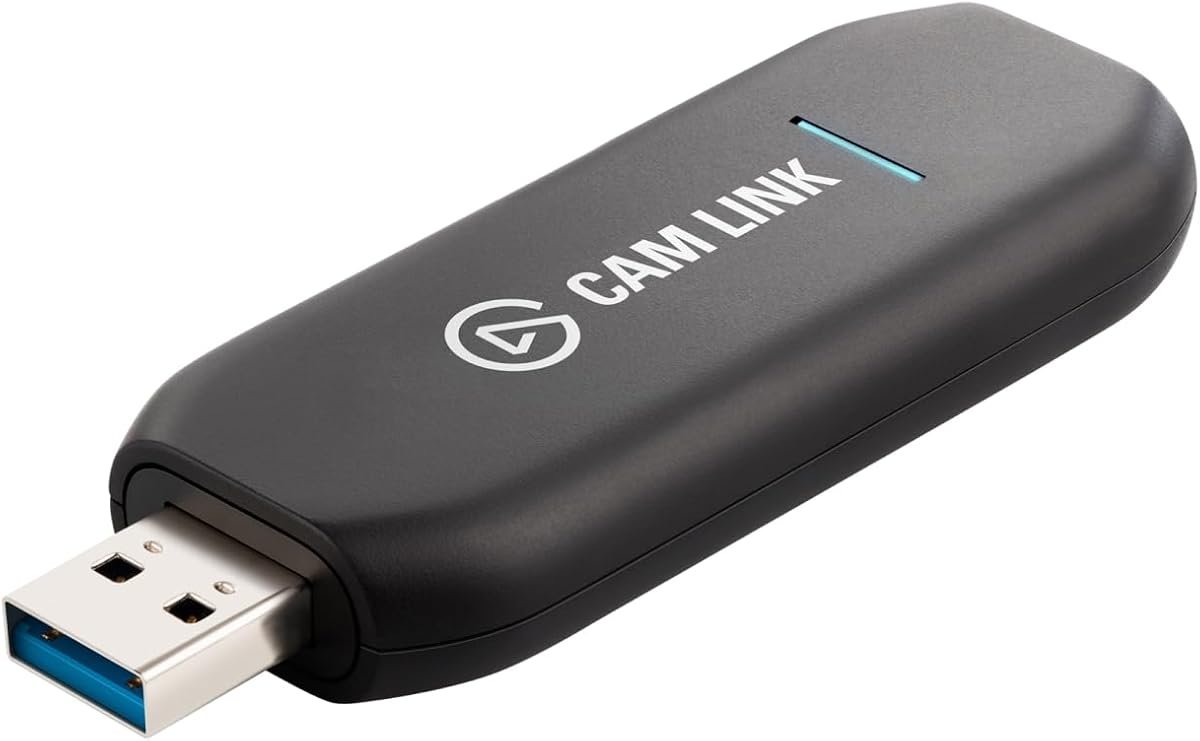
The Elgato Cam Link 4K is the premier choice for those wanting to turn DSLR or mirrorless cameras into professional webcams. Boasting a 4.6 rating, it enables stunning 4K60 streaming or 1080p60 recording, offering razor-sharp detail that standard webcams cannot match.
We may earn a commission when you buy through this link, at no additional cost to you.
Its ultra-low latency ensures that your video and audio remain perfectly synchronized, which is critical for live interaction and high-end production. The device works with various camera types and even supports iPad as a field monitor, expanding your creative flexibility significantly.
While it is priced higher than standard capture cards, the quality and feature set justify the cost for serious creators. The USB-A connector is standard but may require dongles for newer laptops. However, the reliability and brand trust make it a safe investment.
If you are looking to elevate your visual content with professional camera gear, this is the device to choose. It is designed for streamers and creators who demand the highest possible video quality and reliability.
Allows you to use high-end DSLR or mirrorless cameras as inputs, providing depth of field and image quality far beyond standard webcams.
Advanced chipset technology keeps audio and video in perfect sync, eliminating the need for complex post-production alignment.
We may earn a commission when you buy through this link, at no additional cost to you.
The acer Video Capture Card delivers solid performance for users needing a reliable HDMI to USB solution. With a rating of 4.3, it supports inputs up to 4K 30FPS and captures at 1080P 60FPS or 2K 30FPS, ensuring smooth visuals for gaming and streaming.
We may earn a commission when you buy through this link, at no additional cost to you.
It features a USB 3.0 interface for high bandwidth and an aluminum casing that effectively dissipates heat during prolonged use. The 2-in-1 USB-A and Type-C interface design enhances compatibility with various devices like laptops, consoles, and mobile units without needing extra adapters.
Some users may find the one-way transmission limitation restrictive if they need loop-out features. However, for direct streaming to platforms like Twitch or YouTube, it performs exceptionally well. The plug-and-play setup makes it easy to use right out of the box.
This card is perfect for general creators who want a balance of quality and portability. Its versatility across systems and devices makes it a strong contender for everyday streaming needs.
The aluminum casing helps maintain optimal temperatures, ensuring stable performance during long streaming sessions without throttling.
Compatible with Windows, Mac, Linux, and Android, it works seamlessly with most modern operating systems and popular streaming software.
We may earn a commission when you buy through this link, at no additional cost to you.
The UGREEN 2K capture card is designed for creators who want a balance between quality and compatibility. Rated 4.5, it supports 4K input to preserve source detail and outputs at 2K 30Hz, offering clarity without overwhelming bandwidth requirements.
We may earn a commission when you buy through this link, at no additional cost to you.
Its high-speed USB 3.0 interface ensures low latency streaming to platforms like Twitch and YouTube. The device is compatible with various consoles and cameras, provided HDCP is disabled where necessary. The aluminum alloy casing and built-in cable shielding enhance durability and signal stability.
Users must remember to turn off HDCP on supported consoles to avoid black screens. While it lacks loop-out, the reliable performance and broad compatibility make it a practical choice for most setups. The driver-free design simplifies the setup process significantly.
This card is ideal for those who want high-quality recording without the cost of premium devices. It works well for gaming, teaching, and general content creation where stability is key.
Accepts 4K input to capture the full detail of your source, allowing for better post-production editing or upscaling later.
The built-in cables use tinned copper conductors to resist interference and corrosion, ensuring a cleaner and more reliable signal transmission.
We may earn a commission when you buy through this link, at no additional cost to you.
This capture card stands out for gamers who want to add voice commentary directly to their streams. With a 4.3 rating, it supports 1080P 60FPS video and includes a 3.5mm microphone input, making it easy to record voice alongside gameplay without extra gear.
We may earn a commission when you buy through this link, at no additional cost to you.
The HDMI loop-out feature allows you to play games on a monitor without lag, which is crucial for competitive gaming. It works with various consoles and cameras, and the USB 3.0 technology ensures low latency transmission to streaming platforms like OBS.
While it does not support 4K output recording, the 1080P performance is sufficient for most streaming needs. The mic input is convenient but limited to standard 3.5mm headsets. Users should adjust settings correctly to avoid freezes during recording.
This device is perfect for gamers who need an all-in-one solution for video and audio capture. Its simplicity and loop-out capability make it a strong choice for console streaming setups.
The built-in microphone port lets you add commentary directly, simplifying your setup by reducing the need for separate audio interfaces.
The HDMI loop-out ensures you can see your game on a monitor with no delay, allowing for precise gameplay while streaming.
We may earn a commission when you buy through this link, at no additional cost to you.
The Audio Express AXHDCAP is an excellent entry-level option for those needing basic HDMI to USB capture capabilities. With a rating of 4.4, it supports 4K input and delivers 1080P video at 30FPS, which is sufficient for conferencing and standard streaming.
We may earn a commission when you buy through this link, at no additional cost to you.
Despite being USB 2.0, it ensures seamless real-time preview with low latency. The device works with various operating systems and cameras, offering versatility without complex setup. Its thermal dissipation design ensures durability for long-term use in educational or professional settings.
Users seeking high frame rates above 30FPS should note the limitations of USB 2.0. However, for general recording or teaching, it performs reliably. The plug-and-play design makes it accessible even for those without technical expertise.
This device is ideal for users on a strict budget who need functional capture tools. It is a practical choice for online teaching, video calls, or casual streaming where maximum resolution is not critical.
As one of the most affordable options, it provides essential capture features without the cost, making it accessible for beginners.
The plug-and-play nature allows for quick connection to multiple systems, ensuring you can start capturing without driver headaches.
We may earn a commission when you buy through this link, at no additional cost to you.
This silver capture card is designed for mobile creators who need a compact solution for recording. With a rating of 4.4, it supports 4K input and offers dual channel audio capture, ensuring rich sound for your streams or meetings.
We may earn a commission when you buy through this link, at no additional cost to you.
The premium aluminum alloy shell provides effective heat dissipation and durability. Its compact design makes it easy to carry for outdoor streaming. The USB 3.0 or Type-C connection ensures wide compatibility with modern devices, including iPads and Macs.
Users should enable OTG on tablets before connecting, which is a minor setup step. The ultra-low latency ensures smooth streaming without lag. While it lacks loop-out, its portability and audio features make it a strong choice for on-the-go content creation.
Ideal for mobile broadcasters and travelers, this card balances quality and convenience. It is a reliable tool for anyone who needs to capture video anywhere with minimal bulk.
The lightweight design does not compromise on quality, allowing you to take professional-grade recording to any location.
Captures two channels of audio simultaneously, enhancing the audio experience for viewers and reducing the need for separate mics.
We may earn a commission when you buy through this link, at no additional cost to you.
The acer USB 3.0 HDMI Capture Card delivers high-quality streaming with a focus on color accuracy. Rated 4.5, it uses YUY2 technology to provide richer colors than MJPEG, ensuring lifelike visuals for your audience during live streams or recordings.
We may earn a commission when you buy through this link, at no additional cost to you.
Its HDMI loop-out feature allows for zero-latency monitoring while streaming, which is crucial for competitive gaming. The built-in mic-in port makes it easy to add commentary directly. The device is compact and works seamlessly with Windows, Mac, and Android systems.
Users may need to rely on software like OBS for configuration, as there is no built-in advanced editing. However, the reliable performance and color fidelity make up for this. The plug-and-play design simplifies the initial connection process.
This card is a great choice for streamers who prioritize visual quality and real-time monitoring. It serves as a robust solution for gaming and video conferencing where color and latency matter.
By using YUY2 technology, this card captures more color data than standard compressed formats, resulting in more vibrant and accurate video.
The loop-out feature ensures that your monitor display remains lag-free, allowing you to play and react instantly while recording.
We may earn a commission when you buy through this link, at no additional cost to you.
This UGREEN capture card is ideal for users who need high-resolution loop-out functionality. With a rating of 4.4, it supports 4K loop-out for real-time preview and captures video up to 2K 30FPS, ensuring sharp and detailed recordings for various scenarios.
We may earn a commission when you buy through this link, at no additional cost to you.
The USB-A and Type-C ports offer flexibility for different devices, and the durable aluminum casing ensures long-term stability. It works well with consoles like PS5 and Xbox when HDCP is off. The advanced chip manages high-bandwidth signals effectively.
While it does not support Fire TV Stick, it is versatile for most gaming and camera setups. The ability to select between MJPEG and YUY2 formats allows users to balance compression and clarity based on their needs.
This device is perfect for streamers who need a loop-out without sacrificing input resolution. It is a reliable choice for professional streaming setups that demand high-quality monitoring.
The dedicated chip handles high-speed video signals efficiently, reducing the risk of signal loss or bandwidth throttling during transmission.
Supporting both MJPEG and YUY2 allows you to optimize your stream for either speed or quality depending on your internet and hardware.
We may earn a commission when you buy through this link, at no additional cost to you.
Choosing the right capture device depends on your specific needs and budget. Here are the key factors to consider.
Ensure the device supports the resolution and frame rate required for your content. Look for 1080P 60FPS as a minimum standard for smooth gameplay.
Prioritize models that support high input resolutions like 4K for better future-proofing and editing flexibility.
USB 3.0 is essential for high-bandwidth video transmission. USB 2.0 may limit your performance and cause frame drops during heavy loads.
Always connect to a USB 3.0 port on your computer to maximize the device's capabilities and avoid bottlenecks.
Loop-out allows you to preview the video on a monitor without delay. This is vital for competitive gaming and live events.
If you need zero-latency monitoring, choose a model that explicitly lists HDMI loop-out as a feature.
Check if the device supports separate audio input or stereo sound capture. This adds flexibility for commentary and mixed audio sources.
A dedicated mic-in port is useful for adding voice tracks without extra hardware or complex software routing.
Verify that the device works with your operating system and streaming software like OBS. Most modern devices support Windows and Mac.
Ensure the capture card is compatible with your specific hardware, such as consoles or cameras, to avoid connectivity issues.
Look for aluminum casings or robust construction to ensure better heat dissipation. This prevents overheating during long recording sessions.
A well-built device will offer better stability and longevity, especially if you plan to use it frequently for professional purposes.
Devices that require no drivers simplify the setup process. This saves time and ensures compatibility with various operating systems.
Avoid models that need complex installation procedures unless you require specialized features that only drivers can provide.
If you travel often, choose a lightweight and compact model. This ensures you can carry it in a bag without bulk.
Consider models with USB-C support if you primarily use modern laptops or tablets for your streaming setups.
Connect the capture card to your computer via a USB 3.0 port. Ensure you have the HDMI source connected to the input port.
Open your preferred capture software like OBS and select the USB capture device as your video source. Check audio settings if needed.
Regularly update your drivers and firmware for optimal performance. Keep the device in a well-ventilated area to prevent overheating.
Most modern capture cards are plug-and-play and do not require separate drivers. However, specific advanced features may need proprietary software for full functionality. Always check the product description before buying.
Yes, most capture cards support consoles like PS5 and Xbox. Note that you may need to disable HDCP on the console to avoid signal issues during capture.
Lag often occurs if the USB port is not USB 3.0 or if the software settings are too high. Ensure you use a compatible port and adjust resolution settings in your capture software.
Most models listed in this guide are compatible with macOS. Check the specific product details to confirm support for your version of macOS.
Some devices have a separate mic-in port. If not, you can configure audio capture directly within your streaming software like OBS.
It depends on the model. Some support 4K input but 1080P output. Always check the specs for input and output resolution limits.
The Magewell USB Capture HDMI Gen 2 and Elgato Cam Link 4K stand out as premium options for those needing top-tier performance and reliability.
For budget-conscious creators, the Guermok Video Capture Card offers an excellent balance of cost and essential features without sacrificing quality.
Always check the current product details and compatibility before purchasing to ensure the device meets your specific workflow needs for 2026.