
Made for Amazon SanDisk 128GB microSD Memory Card
4.6Editor score
Certified for Fire Tablets
128GB capacity
Full HD video support
This guide compares the top extra storage for tablet solutions including microSD cards, USB drives, and portable SSDs to help you expand your device capacity
Expanding your tablet storage is essential for keeping your digital life organized and accessible. Whether you store photos, videos, or work files, having enough space ensures smooth performance without constant cleanup.
We evaluated ten top-rated storage solutions based on speed, compatibility, durability, and value. Our selection includes microSD cards, dual-connect flash drives, and high-performance portable SSDs for all tablet types.
Each pick highlights key features, pros, and cons to help you choose the right upgrade. Note that prices and availability change frequently, so check the current listing before purchasing your preferred option.
4.6Editor score

4.5Editor score

4.5Editor score
Here is a side-by-side comparison of all ten products to help you quickly compare their key specifications and choose the best fit for your needs.

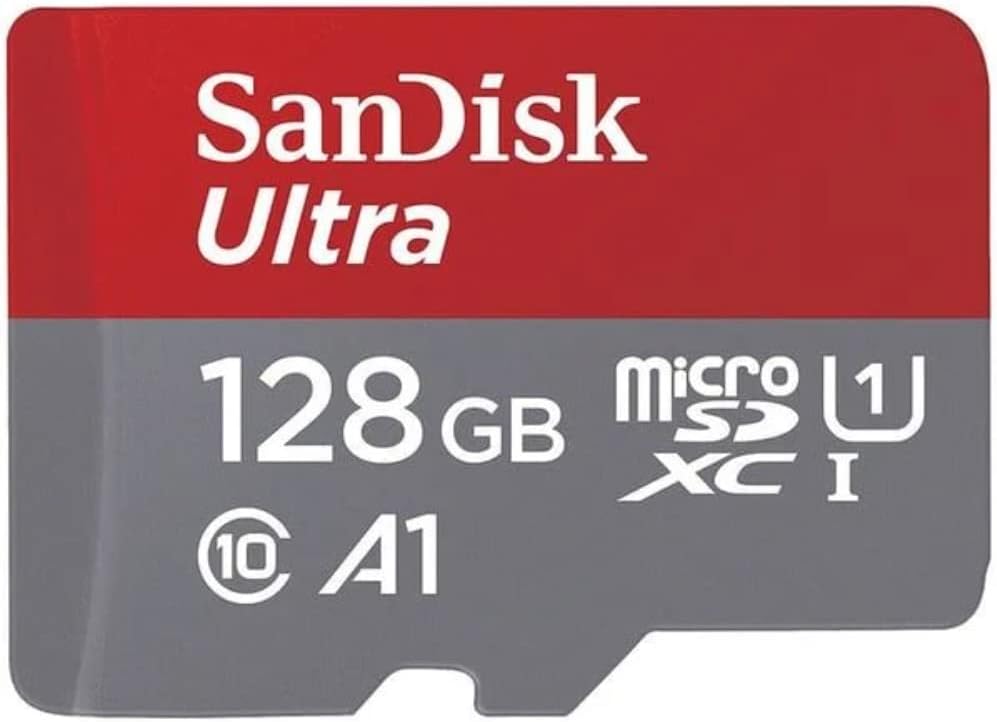



This SanDisk microSD card is specifically engineered for Amazon Fire tablets and Fire TV devices. It holds a strong 4.6 rating from users who rely on it for extra media storage. The card ensures compatibility that avoids common errors found with generic cards.
We may earn a commission when you buy through this link, at no additional cost to you.
Its Class 10 performance allows Full HD 1080p video recording and playback. You can download apps and games directly to the card to free up internal memory. The design supports multiple tasks like streaming and browsing without delays.
While it offers excellent value and speed, it is limited to Amazon ecosystems. It does not work with Android tablets outside of Fire OS. This specialization ensures reliability but reduces versatility for general users.
If you own a Fire tablet and need cost-effective storage, this card is ideal. It simplifies storage expansion without requiring technical troubleshooting. Check current listings to ensure compatibility with your specific device model.
Being the only card tested for Fire devices means you avoid compatibility warnings. This assurance is valuable for non-technical users who want plug-and-play reliability.
Class 10 ratings ensure stable write speeds for video recording. This prevents stuttering or dropped frames when capturing content directly on your tablet.
We may earn a commission when you buy through this link, at no additional cost to you.
This drive bridges the gap between modern USB-C tablets and older USB-A computers. It holds a 4.5 rating for its versatility in transferring files between smartphones, tablets, and PCs. The retractable design protects the connectors when not in use.
We may earn a commission when you buy through this link, at no additional cost to you.
Users report transfer speeds up to 150MB/s for reading large files quickly. This speed is sufficient for moving photos, documents, and HD video. The USB-A end makes it easy to access data on desktops or laptops.
The main limitation is that your tablet must support USB On-The-Go (OTG). Without OTG support, the drive cannot be recognized by Android devices. This requirement should be verified before purchase.
It is a practical solution for users who switch between devices frequently. The dual-connect design eliminates the need for separate adapters. Check your tablet specifications to confirm OTG compatibility first.
Having both connectors means fewer accessories to carry. You can plug directly into your tablet or computer without dongles.
The retractable design reduces the risk of losing caps or damaging ports. This makes it suitable for daily carry and travel scenarios.
We may earn a commission when you buy through this link, at no additional cost to you.
The SSK SSD offers a massive 1TB capacity for tablets that need extensive storage for projects. It boasts a 4.5 rating for its speed and build quality. The aluminum case helps dissipate heat during intensive data transfers.
We may earn a commission when you buy through this link, at no additional cost to you.
Speed is a key strength with read rates up to 1050MB/s. This allows instant access to large files without waiting. The included cables support both USB-C and USB-A ports for maximum compatibility.
Windows users may notice the capacity appears as 931GB due to binary calculations. This is normal and does not affect actual performance. The drive remains reliable across different operating systems.
This drive is best for professionals editing video or handling large datasets. The speed and capacity justify the cost. Ensure your tablet supports USB 3.2 Gen2 to fully utilize the speed.
S.M.A.R.T diagnostics monitor drive health to prevent data loss. This proactive check helps you plan backups before issues arise.
The aluminum case keeps temperatures low during heavy use. This ensures consistent performance without throttling in warm environments.
We may earn a commission when you buy through this link, at no additional cost to you.
This microSDXC card is a versatile choice for Android tablets, Chromebooks, and laptops. It has a 4.7 rating reflecting its high performance and reliability. The A1 rating ensures apps load faster when installed directly on the card.
We may earn a commission when you buy through this link, at no additional cost to you.
Transfer speeds reach up to 140MB/s allowing quick photo and video transfers. The 10-year warranty adds significant peace of mind for long-term use. SanDisk is known for quality and durability in storage products.
It is a general-purpose card so it may lack specific Fire tablet optimizations. However, it works well across a wide range of devices. You may need a separate reader for USB-A computers.
If you want fast and reliable storage for various devices, this card is excellent. The high rating suggests satisfaction with performance and longevity. Check device compatibility to ensure UHS-I slot support.
A1 rating optimizes random read and write speeds for apps. This means smoother usage when storing applications directly on the card.
The 10-year limited warranty protects your investment against defects. This coverage exceeds typical warranty periods for consumer memory cards.
We may earn a commission when you buy through this link, at no additional cost to you.
This dual drive supports both Type-C and USB-A plugs for maximum versatility. It has a 4.4 rating for its ease of use across different devices. The design allows direct connection to iPhones without adapters.
We may earn a commission when you buy through this link, at no additional cost to you.
Read speeds reach 130MB/s which is faster than standard USB 2.0 drives. This enables quick transfers of photos and files. The compact size makes it easy to carry in a pocket.
The plastic casing provides heat dissipation and durability. However, the caps are small and can be misplaced during travel. It is also compatible with Windows, Mac, and Android systems.
It is a convenient choice for users with mixed device ecosystems. The direct iPhone support is a major benefit for iPhone 15 owners. Verify your Android tablet supports OTG before purchasing.
The USB-C connector works directly with newer iPhone models. This eliminates the need for Lightning to USB adapters.
Support for multiple operating systems ensures seamless file sharing. You can plug it into any compatible device without drivers.
We may earn a commission when you buy through this link, at no additional cost to you.
The Dual Drive Go combines speed and portability in one sleek package. It holds a 4.5 rating for its ability to handle large file transfers. The read speeds of 400MB/s make it faster than standard USB drives.
We may earn a commission when you buy through this link, at no additional cost to you.
It comes with the Memory Zone app for automatic photo backups on Android devices. This helps keep your tablet organized and safe. The drive supports both USB-C and USB-A connections easily.
The slim profile is convenient but lacks a cap for connector protection. This might make the connectors susceptible to dust or damage over time. It is designed for mobile use where speed matters.
For users needing quick access and automatic backups, this is a solid choice. The brand reliability ensures consistent performance. Check if your tablet supports OTG before relying on it for storage.
The app automatically backs up your photos to the drive. This protects your memories without manual intervention.
The drive is small enough to attach to a keychain. This makes it easy to carry wherever you go.
We may earn a commission when you buy through this link, at no additional cost to you.
This Samsung drive is built for durability with a metal body resistant to water and shock. It has a 4.5 rating for its robust design and fast performance. The reversible plug ensures easy connection every time.
We may earn a commission when you buy through this link, at no additional cost to you.
It can handle harsh conditions better than standard plastic drives. This makes it ideal for travel or outdoor use. The 256GB capacity offers ample space for photos and videos.
The higher price reflects the superior materials and warranty. However, it is slightly heavier than plastic options. The read speeds allow for quick file transfers during work.
If you need a durable drive that can withstand accidents, this is a top choice. The waterproof design adds extra protection for your data. Check if metal construction suits your budget preferences.
Waterproof and shockproof features protect data in tough conditions. You do not need to worry about drops or spills.
The five-year limited warranty covers manufacturing defects. This provides long-term support for your storage needs.
We may earn a commission when you buy through this link, at no additional cost to you.
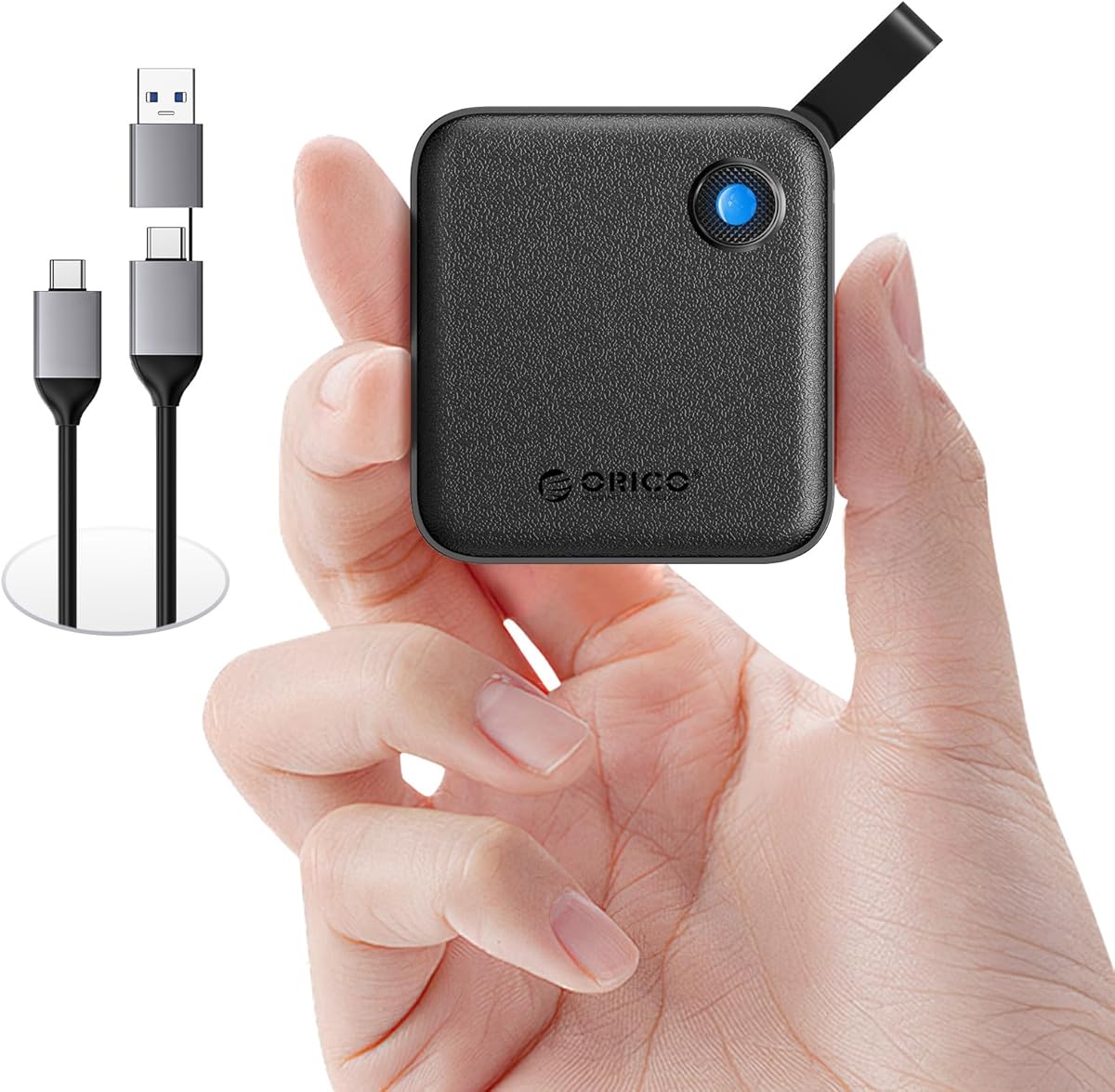
The ORICO SSD provides a balance of speed and portability for daily tasks. It holds a 4.5 rating for its ease of use with various devices. The included cable supports both USB-C and USB-A connections.
We may earn a commission when you buy through this link, at no additional cost to you.
Transfer speeds of 460MB/s ensure quick access to large files. This is faster than standard external hard drives. The lightweight design makes it easy to carry in a bag.
The build quality is solid but not as rugged as premium models. It is suited for office or home use rather than extreme environments. The multiple color options allow personal style customization.
This is a great middle-ground option for speed and capacity. The included cables simplify setup. Check if the warranty length meets your expectations before buying.
Both necessary cables are included in the package. You can start transferring files immediately without extra purchases.
The sleek black look fits well in modern settings. It is discreet enough for professional environments.
We may earn a commission when you buy through this link, at no additional cost to you.
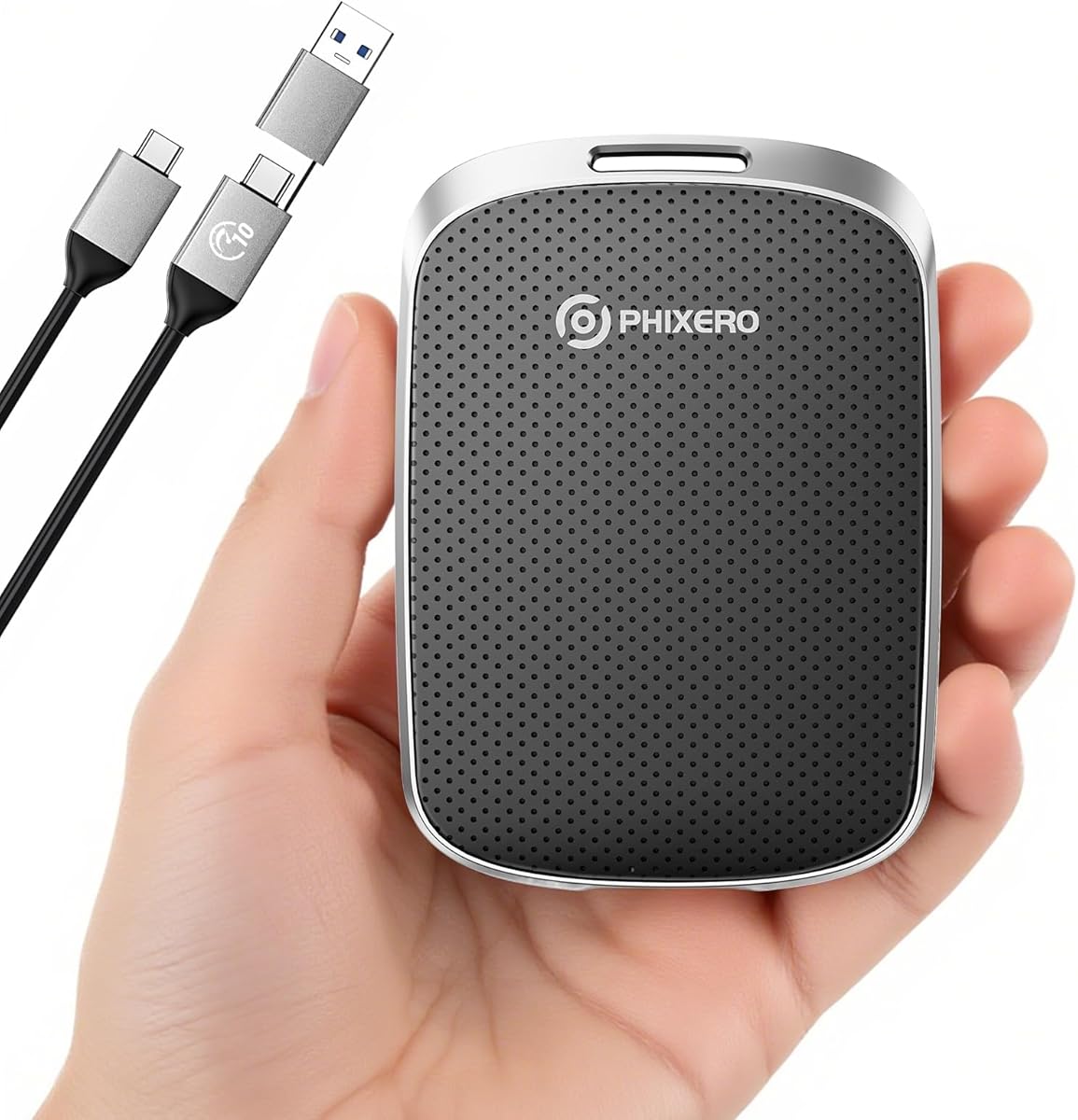
This SSD features a sturdy one-piece aluminum frame that protects internal components. It has a 4.6 rating for reliable performance across systems. The hanging loop adds convenience for attaching to backpacks.
We may earn a commission when you buy through this link, at no additional cost to you.
Read speeds of 550MB/s allow quick file access for daily work. The silent operation means no noise during file transfers. It works with PCs, laptops, and smartphones seamlessly.
The lack of a cap exposes the connector slightly to dust. This is manageable if kept in a pouch. The warranty coverage offers some protection against defects.
It is a robust option for users needing consistent speed. The frame adds durability for travel. Ensure you handle the connector with care during plugging.
The hanging loop allows secure attachment to bags. This prevents loss while you are on the move.
The drive operates silently without noise interference. This is perfect for quiet work environments.
We may earn a commission when you buy through this link, at no additional cost to you.
This flash drive offers a budget-friendly option with a keychain for easy carrying. It holds a 4.3 rating from users who appreciate its utility. The dual connectors work with both USB-C and USB-A devices.
We may earn a commission when you buy through this link, at no additional cost to you.
Transfer speeds are decent for general tasks like moving photos. The keychain feature ensures you keep it attached to your bag. It supports multiple video and audio formats easily.
Some users report formatting issues with default settings. This may require manual adjustment on your computer. It remains a solid choice for quick backups and storage.
If you need an inexpensive drive with a keychain, this works well. The dual connector design simplifies switching between devices. Check formatting options before first use.
The built-in keychain reduces the risk of losing the drive. You can attach it to your keys or bag easily.
The drive supports common video and audio formats. This makes it useful for media playback on smart TVs.
We may earn a commission when you buy through this link, at no additional cost to you.
Selecting the right storage solution depends on your specific needs and tablet model. Consider these factors to ensure compatibility and performance.
Check if your tablet uses USB-C or a microSD slot. Dual connectors or adapter support are essential for universal connectivity with computers.
Match the connector to your tablet port to avoid buying incompatible devices.
Assess how much data you store regularly. 128GB is enough for photos and apps, while 1TB suits large video projects.
Choose a capacity that grows with your needs to avoid frequent upgrades.
Faster speeds ensure smooth playback and quick file transfers. Look for Class 10 or USB 3.1 Gen 1 and higher ratings for performance.
Higher speeds reduce wait times when working with large files.
Some cards are optimized for Android or Fire OS. Ensure the drive works with your tablet system and supports OTG if needed.
Verify compatibility to prevent errors when connecting to your device.
Travelers benefit from waterproof and shockproof drives. Aluminum cases dissipate heat better than plastic for SSDs.
Choose rugged builds for outdoor or frequent travel usage.
Longer warranties indicate manufacturer confidence in the product. Look for brands offering at least 3 to 5 years of coverage.
A solid warranty protects your investment against early failure.
Budget microSD cards cost less but offer lower speeds than SSDs. Balance cost against the speed and capacity you require.
Invest more for high-speed SSDs if you need quick data access.
Some drives include backup apps or management software. Tools like memory zone help organize photos and videos automatically.
Look for included software that enhances your workflow on the tablet.
Insert the microSD card or plug in the USB drive gently. Do not force connectors to prevent physical damage to the ports.
Always safely eject the drive before unplugging to avoid data corruption. Use the tablet settings to unmount external storage.
Store drives in a protective case when not in use. Keep them away from extreme heat, moisture, and magnets to maintain health.
Many tablets allow installing apps on microSD cards but performance varies. Use high-speed cards like A1 rated ones for better app loading times.
Check your tablet specifications or settings menu for OTG support. Most modern Android devices support it natively for USB drives.
Manufacturers use decimal gigabytes while computers use binary calculations. This results in slightly lower reported capacity like 931GB for 1TB drives.
You need an adapter or a dual connector drive to connect USB-A drives to USB-C tablets. Ensure the drive has a USB-C plug for direct connection.
Leaving it plugged in may cause wear and power drain. It is safer to connect only when transferring files or storing media.
Some drives come preformatted for Android. If not, format to exFAT for best compatibility with tablets and PCs.
We explored ten top options ranging from budget microSD cards to high-speed SSDs. Each product offers unique benefits suited for different storage needs.
Prioritize speed and capacity based on your tablet usage. Reliable brands with warranties ensure long-term value for your investment.
Always verify compatibility before purchasing to avoid issues. Check current listings for the latest pricing and availability.