
ASUS ROG Strix G16
4.4Editor score
Solid RTX 5060 GPU
Fast 165Hz FHD+ screen
Wi-Fi 7 connectivity ready
ASUS ROG Strix Laptops are renowned for delivering high-performance gaming experiences with cutting-edge hardware and advanced cooling systems designed for serious gamers.
We evaluated each model based on processor speed, graphics capabilities, display quality, and thermal management to ensure you find the perfect machine for your needs.
Each pick highlights key strengths and trade-offs, helping you decide quickly. Note that prices and availability can change frequently, so verify current details before purchasing.
4.4Editor score

4.3Editor score

5.0Editor score
As an Amazon Associate we earn from qualifying purchases.
The following table provides a side-by-side overview of all ten models, focusing on their core specifications to help you compare them at a glance.




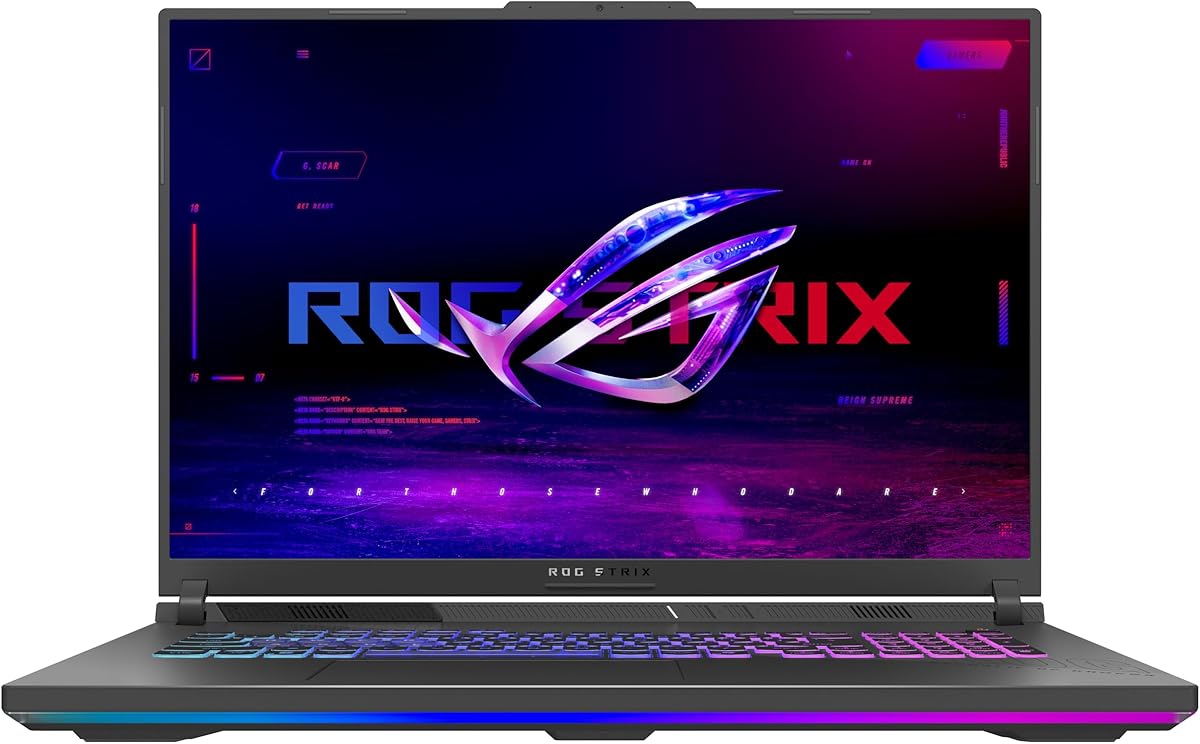
This model represents an excellent entry point into the ROG ecosystem, combining a robust i7 processor with a capable RTX 5060 GPU at a competitive price point.
We may earn a commission when you buy through this link, at no additional cost to you.
The 16-inch display offers a fast 165Hz refresh rate which ensures smooth gameplay, while the inclusion of Wi-Fi 7 future-proofs your connection for high-bandwidth tasks.
While it lacks some premium features like the RGB light bar found on higher tiers, the thermal management remains top-tier, keeping noise and heat levels manageable under load.
This laptop is ideal for budget-conscious gamers who still demand solid performance for AAA titles and creative work without breaking the bank.
The vapor chamber and tri-fan technology ensure that the system remains cool even during intense gaming sessions.
Wi-Fi 7 support provides ultra-low latency connections essential for competitive online gaming experiences.
We may earn a commission when you buy through this link, at no additional cost to you.
This configuration strikes a perfect balance between high-end performance and premium display quality, earning its spot as our top recommendation for most users.
We may earn a commission when you buy through this link, at no additional cost to you.
With 32GB of DDR5 RAM and the powerful RTX 5070 Ti, you can handle heavy multitasking and ray-traced gaming with ease on the vibrant 2.5K screen.
The premium price is justified by the sheer capability of the hardware, though you may need to keep it plugged in for maximum performance during long sessions.
For enthusiasts seeking a machine that can handle both creative production and AAA gaming without compromise, this is the standout choice.
The ACR film and 240Hz refresh rate provide incredible clarity and responsiveness for competitive and cinematic experiences.
32GB of RAM ensures you never hit memory limits even when streaming while gaming or editing 4K video projects.
We may earn a commission when you buy through this link, at no additional cost to you.
The Scar 18 brings desktop replacement power to a portable form factor with its stunning 18-inch Mini LED display and professional-grade Windows 11 Pro OS.
We may earn a commission when you buy through this link, at no additional cost to you.
Unique features like the AniMe Vision lid and MUX Switch make this a highly customizable tool for professionals who also demand high-fidelity gaming performance.
Its larger footprint and significant cost make it less suited for casual use, but the immersive visual experience justifies the investment for power users.
If you want the absolute best screen quality and unique aesthetic features combined with high-end performance, this is the ultimate machine.
Mini LED technology with thousands of dimming zones delivers true blacks and vibrant colors unmatched by standard panels.
Windows 11 Pro supports advanced enterprise features and security protocols needed for professional creative workflows.
We may earn a commission when you buy through this link, at no additional cost to you.
This model prioritizes CPU power for creative workflows by pairing an Ultra 9 processor with a high-quality screen, though the GPU limits raw gaming performance.
We may earn a commission when you buy through this link, at no additional cost to you.
The Nebula Display with Dolby Vision HDR makes content creation and media consumption a delight, offering vibrant colors and deep blacks for any visual task.
While it costs more than the base RTX 5060 model, the trade-off is worth it if your primary focus is video editing or rendering rather than just gaming.
Prosessionals needing a powerful workstation that still plays games well will find this specific configuration very compelling for their needs.
The Ultra 9 processor accelerates rendering and encoding tasks significantly faster than standard consumer-grade CPUs.
Dolby Vision HDR ensures that your content looks accurate and vibrant on compatible displays and editing software.
We may earn a commission when you buy through this link, at no additional cost to you.
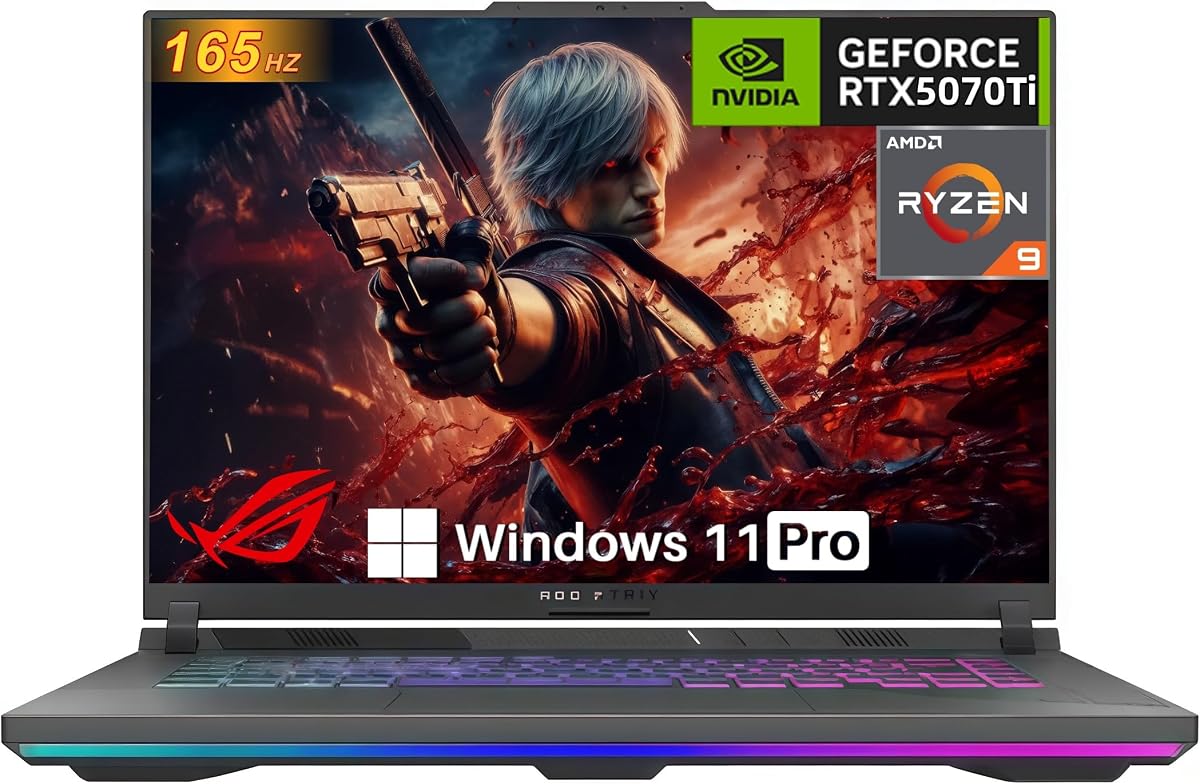
AMD enthusiasts will appreciate this configuration which offers a high-core Ryzen 9 processor paired with a robust RTX 5070 GPU for excellent general performance.
We may earn a commission when you buy through this link, at no additional cost to you.
The MUX Switch allows for direct GPU output boosting frame rates significantly during gaming sessions without the overhead of integrated graphics switching.
While the display is standard FHD+ and RAM is limited to 16GB, the raw computational power makes this a solid choice for heavy workloads.
If you prioritize CPU-intensive tasks and gaming performance over screen resolution, this AMD variant is a strong contender in the lineup.
Ryzen 9 cores provide excellent multitasking capabilities for developers and creators running multiple applications simultaneously.
The MUX Switch allows your GPU to bypass the iGPU entirely for maximum frame rates in demanding titles.
We may earn a commission when you buy through this link, at no additional cost to you.
This unit stands out for its aggressive thermal design and high wattage GPU delivery ensuring the graphics chip runs at its maximum potential without throttling.
We may earn a commission when you buy through this link, at no additional cost to you.
The inclusion of a full-size Ethernet port is a rare treat in modern laptops appealing to competitive gamers who cannot risk wireless latency.
With 32GB of RAM and a massive GPU TGP, this machine is built for stability and raw speed in both gaming and heavy productivity tasks.
Users who prefer wired connections and need consistent high power delivery will find this model exceptionally reliable for their daily use.
140W power delivery ensures every watt of GPU performance is available for gaming and rendering tasks.
The RJ-45 port ensures you can always connect to the internet via cable for zero-latency gaming experiences.
We may earn a commission when you buy through this link, at no additional cost to you.
Designed with the tinkerer in mind, this model features tool-free access to internal components allowing for quick and easy upgrades to RAM and storage.
We may earn a commission when you buy through this link, at no additional cost to you.
The Q-Latch SSD system simplifies storage expansion significantly making it easy to swap out drives without needing a screwdriver for maintenance.
While it comes with a standard 16GB of RAM, the ease of expansion means you can tailor the memory to your specific needs after purchase.
This is the ideal choice for users who want to customize their machine over time without voiding warranties or struggling with hardware access.
The Q-latch system and removable frame make upgrading your SSD or RAM a simple and quick process.
Advanced users can access deeper hardware components thanks to the design that protects other internal parts during upgrades.
We may earn a commission when you buy through this link, at no additional cost to you.
Looking ahead to 2026 specs, this model offers a glimpse into the future with the powerful RTX 5080 and advanced Wi-Fi 7 connectivity for next-gen networking.
We may earn a commission when you buy through this link, at no additional cost to you.
The Nebula HDR display with 240Hz ensures that you can utilize the full potential of the GPU with smooth and vibrant visuals for any title.
While expensive, the inclusion of tool-free upgrade access allows you to maintain performance standards for years by swapping out storage or memory easily.
Early adopters who want to ensure their rig stays relevant for the longest time possible should consider this future-ready configuration highly.
Wi-Fi 7 support offers ultra-low latency and high throughput essential for cloud gaming and large file transfers.
240Hz HDR provides smooth motion and rich colors that highlight the full capability of high-end graphics cards.
We may earn a commission when you buy through this link, at no additional cost to you.
This configuration addresses the need for massive storage by including a 2TB Gen 4 SSD allowing you to install a vast library of games and projects.
We may earn a commission when you buy through this link, at no additional cost to you.
Running Windows 11 Pro adds enterprise-level security and management features which are beneficial for small business users or professionals.
While it comes at a higher price point, the convenience of having double the standard storage and a professional OS can save time and hassle later.
If you frequently manage large datasets or want to keep dozens of AAA titles installed locally without external drives, this model is perfect.
The 2TB SSD provides ample space for games and creative files without needing external hard drives constantly.
Windows 11 Pro offers better security and remote access features suitable for business or advanced personal use cases.
We may earn a commission when you buy through this link, at no additional cost to you.
The G18 offers a larger 18-inch canvas for your content making it a great option for multitasking and enjoying movies on a big screen.
We may earn a commission when you buy through this link, at no additional cost to you.
While the GPU is entry-level, the powerful Ryzen 9 processor ensures smooth performance for general tasks, streaming, and less demanding games.
This laptop is best suited for users who prioritize screen real estate over raw graphical power in AAA titles or complex 3D rendering.
If you want a big desktop replacement feel without spending on high-end graphics this model provides the best value for screen size.
The 18-inch display provides plenty of room for side-by-side windows during work or gaming sessions.
The Ryzen 9 CPU handles background tasks and streaming smoothly even when you are multitasking heavily.
We may earn a commission when you buy through this link, at no additional cost to you.
Choosing the right model involves balancing your budget with specific performance needs across CPU, GPU, display, and connectivity features.
Look for Intel Core Ultra or AMD Ryzen 9 chips for high-end tasks as these processors handle multitasking and gaming loads efficiently.
Prioritize a newer generation processor if you plan to use your laptop for several years without needing an upgrade soon.
Ensure the GPU matches your gaming goals as higher-tier models like the 5070 Ti and 5080 offer significant advantages in frame rates.
Always check the TGP wattage since higher wattage generally translates to better performance even with the same GPU model.
Select a high refresh rate like 240Hz if you play competitive shooters to reduce motion blur and improve reaction times.
Consider Nebula displays for better color accuracy if you work with video or photo editing alongside your gaming.
Aim for at least 32GB of DDR5 RAM to handle modern games and heavy multitasking without slowdowns or bottlenecks.
Check if the laptop offers tool-free slots so you can easily upgrade your storage as your game library grows over time.
Investigate cooling technologies like liquid metal and vapor chambers since they keep temperatures down during long gaming sessions.
Look for models with full-width heatsinks to ensure that the system does not throttle under sustained heavy loads.
Verify the availability of high-speed ports like USB4 and HDMI 2.1 if you plan to connect multiple monitors or peripherals regularly.
Wi-Fi 7 support is a great future-proof feature that ensures you have the fastest wireless speeds available for online gaming.
Keep your laptop on a hard flat surface during gaming to ensure the cooling vents remain unobstructed and airflow is maintained effectively.
Use the Armoury Crate software to switch between Silent and Turbo modes depending on whether you are gaming or working on light tasks.
Regularly clean the keyboard and screen with a microfiber cloth to remove dust and oils that can accumulate during heavy daily usage.
The primary difference is the screen size with the G18 offering a larger 18-inch display and the G16 providing a more portable 16-inch form factor. Both often share similar internal components but the larger model usually has more room for better cooling.
Windows 11 Pro is worth it if you need advanced security features or remote access capabilities for professional use. For most gamers the standard Home edition is sufficient and saves you a bit of money on the final purchase price.
Many of these models feature tool-free access allowing you to upgrade the RAM easily. However, you should verify the specific chassis design before purchasing as some soldered configurations may not support upgrades.
Most newer models in this lineup come with Wi-Fi 7 support for faster wireless speeds. Some older configurations might still use Wi-Fi 6E so it is important to check the specs before buying.
The RTX 5070 Ti and 5080 models are excellent for 1440p gaming providing high frame rates and smooth visuals. The 5060 is also capable for high settings but may struggle with the most demanding titles at peak fidelity.
The ROG Intelligent Cooling system is designed to be quieter than traditional laptops but the fans will still spin up during intense gaming. You can use Silent mode in software to lower noise at the cost of some performance.
We recommend the Scar 18 for premium users and the base G16 for budget gamers to cover the widest range of performance needs available today.
Prioritize the GPU and cooling features if your main goal is high-end gaming and prioritize RAM and screen quality if you do more creative work.
Prices and stock change often so always verify the current deal and availability before finalizing your purchase to get the best value.