
ASUS ROG XG27ACS
4.4Editor score
180Hz refresh rate
Fast IPS technology
USB-C hub support
AI ready monitors integrate smart processing to enhance visuals and manage workflows automatically. They adapt brightness, optimize color, and support voice controls for seamless interaction without external software.
We compared ten leading models focusing on resolution, refresh rates, AI tools, and connectivity. Each unit offers unique strengths for gamers professionals and home users seeking intelligent display solutions.
Every pick highlights specific advantages and potential limitations based on manufacturer data. Prices fluctuate frequently so verify current offers before purchasing to ensure the best value for your specific setup.
4.4Editor score

4.5Editor score

4.3Editor score
As an Amazon Associate we earn from qualifying purchases.
This table summarizes key specs across all ten models including resolution, refresh rates, smart features, and connectivity options to help you choose quickly.




The Dell S2725QS delivers a robust 4K experience with comfort-focused tech and smooth visuals for daily use. It carries a strong rating and stands out for eye care and display fidelity without bloat.
We may earn a commission when you buy through this link, at no additional cost to you.
Its ComfortView Plus reduces harmful blue light while keeping colors accurate. The 120Hz refresh rate ensures tear-free gaming and work transitions. HDR readiness adds depth and vivid detail across content.
While it lacks USB-C power delivery and smart OS features, its core display performance remains high. The audio is notably improved over older models, offering clearer sound for media.
This model suits users seeking a reliable, visually pleasing display for work or light gaming. Prioritize this if color accuracy and eye comfort are your main concerns.
ComfortView Plus cuts blue light significantly without dulling the image.
IPS panel offers wide viewing angles and excellent color consistency.
We may earn a commission when you buy through this link, at no additional cost to you.
The LG 27UP850K-W offers premium features like 90W USB-C and wide color support at a competitive tier. It is highly rated for creators needing connectivity and accuracy without complex setup.
We may earn a commission when you buy through this link, at no additional cost to you.
HDR 400 support and DCI-P3 coverage make content look vibrant. The Switch app allows multitasking and easy PC switching. Speakers with MaxxAudio improve media playback without external gear.
Some users note HDR peaks could be higher. The stand is solid but lacks advanced pivot features found in higher-end models.
Ideal for professionals and casual users wanting one-cable docking and quality visuals. Choose this if you value versatility and broad device compatibility.
USB-C port delivers up to 90W to charge laptops while transferring data.
Wide color gamut ensures accurate previews for design projects.
We may earn a commission when you buy through this link, at no additional cost to you.
This 40-inch curved panel packs 5K2K resolution and Thunderbolt 5 for pro work. It holds a good rating and excels in managing multiple sources with minimal desk clutter.
We may earn a commission when you buy through this link, at no additional cost to you.
KVM switch lets one keyboard control two PCs. Thunderbolt 5 enables heavy data and power at once. HDR10+ optimizes brightness for rich visuals.
Cost is a barrier and full benefits need compatible hardware. It demands desk space and budget. Still unmatched for multitasking productivity.
Buy this if you manage multiple systems and need top-tier resolution. It suits power users who value workflow efficiency over cost.
Thunderbolt 5 handles high bandwidth data and power delivery.
KVM switch simplifies controlling two devices with one setup.
We may earn a commission when you buy through this link, at no additional cost to you.
The Samsung M7 functions as a standalone smart display with AI picture tuning and app access. It rates well for users wanting a monitor that works like a TV without extra devices.
We may earn a commission when you buy through this link, at no additional cost to you.
Vision AI adjusts visuals to context. Active Voice Amplifier helps hear dialogue in noisy rooms. Gaming Hub streams console games via cloud directly.
PC integration is basic compared to smart hubs. Gaming refresh rates are lower than dedicated models. It excels in living spaces or dorms.
Choose this if you need a secondary screen with smart capabilities. Ideal for media and light browsing without constant PC connection.
AI analyzes environment and adjusts contrast for optimal viewing.
Control IoT devices and view usage stats directly on screen.
We may earn a commission when you buy through this link, at no additional cost to you.
LG 27U730SA-W combines webOS with AI brightness control for smart office workflows. It is well received for users needing streaming and productivity in one clean package.
We may earn a commission when you buy through this link, at no additional cost to you.
Brightness Control detects ambient light to adjust screen. Remote PC lets you access work systems without a local PC. AirPlay and Bluetooth simplify device mirroring.
AI tools are basic compared to newer models. Sound quality is decent but not exceptional. Stand adjustments are comprehensive and useful.
This fits users working in home offices with frequent streaming needs. Pick this if you want smart features without full app overhead.
Automatic brightness adjustment reduces strain in changing light.
Remote PC access allows full workflow on monitor alone.
We may earn a commission when you buy through this link, at no additional cost to you.
The Samsung M8 focuses on AI upscaling for OTT content and smart controls. It carries a solid rating and serves streamers or households needing a TV-quality monitor.
We may earn a commission when you buy through this link, at no additional cost to you.
AI upscaling improves lower resolution streams. Solar remote reduces battery waste. Cross-device control works well with Samsung tablets and phones.
Performance is smooth but not for fast games. Some users find the interface busy. Camera support is convenient for calls.
Great for media rooms or secondary displays. Choose this if streaming quality and smart features matter most.
NQM AI Processor enhances standard TV content to near 4K.
SolarCell Remote uses light for power without disposable batteries.
We may earn a commission when you buy through this link, at no additional cost to you.
This gaming monitor offers fast response and high refresh rates with ELMB SYNC. It rates highly for gamers on a budget needing performance without premium cost.
We may earn a commission when you buy through this link, at no additional cost to you.
Fast IPS ensures sharp visuals with low motion blur. DisplayWidget Center makes settings easy. USB-C hub adds practical convenience for peripherals.
Lacks advanced AI features found in smart monitors. G-SYNC support is compatible not native. Great for competitive shooters.
Buy this if gaming speed and clarity are priorities. Excellent value for those needing high frame rates.
ELMB SYNC reduces blur and tearing without limiting refresh rate.
USB-C hub reduces cable clutter by centralizing ports.
We may earn a commission when you buy through this link, at no additional cost to you.
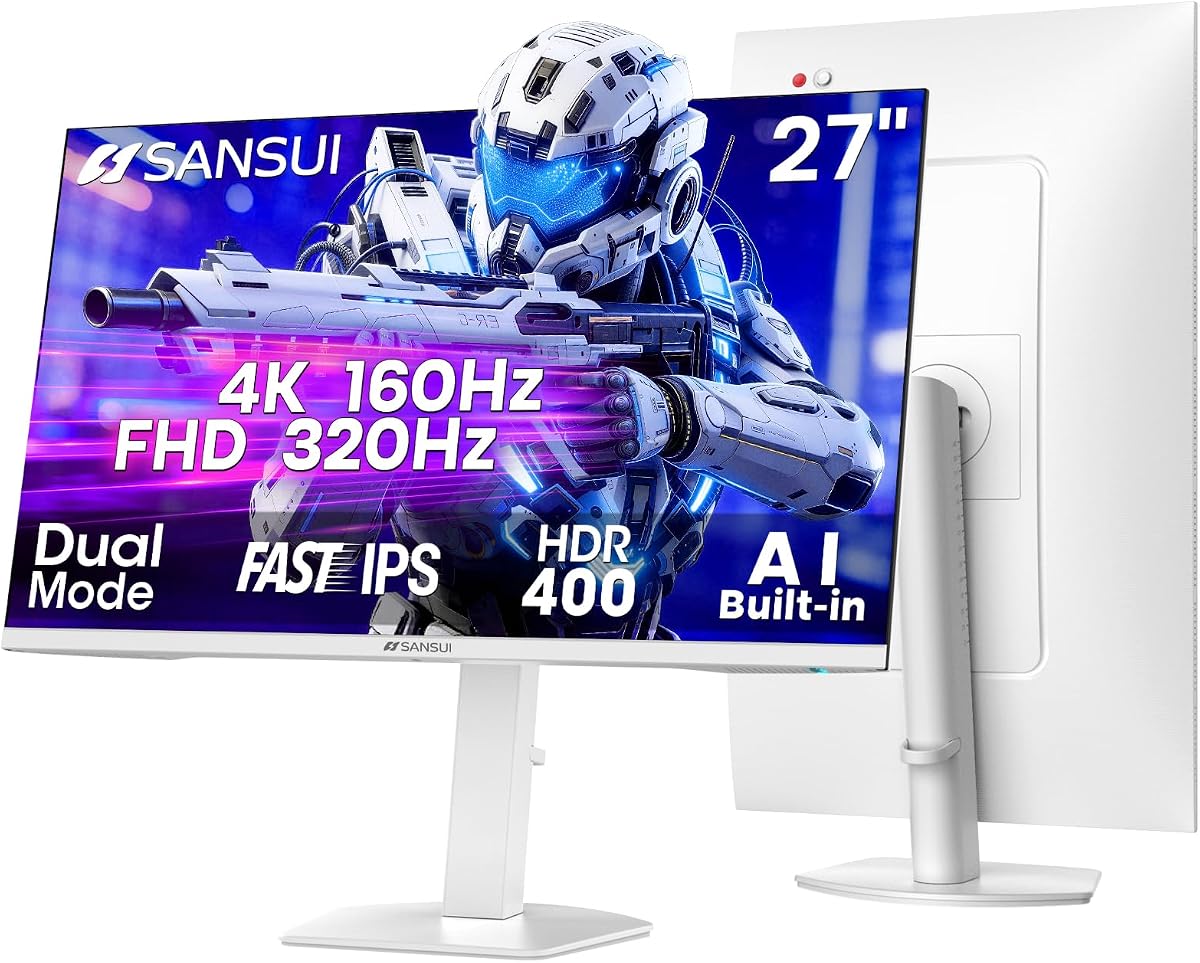
The SANSUI model offers dual mode switching between 4K and FHD high refresh. It holds a strong rating for competitive players needing raw speed without premium cost.
We may earn a commission when you buy through this link, at no additional cost to you.
AI Crosshair and Sniper Scope aid aiming. AI DBL Eye Care helps reduce strain. Flexible inputs support PS5 and Xbox easily.
Smart features are limited compared to branded equivalents. Quality control varies. Good for casual or budget-focused setups.
Pick this if frame rates matter more than smart tools. Best for those willing to trade brand for performance.
FHD mode offers up to 320Hz for extreme frame rates.
AI tools help visualize targets in dark scenes.
We may earn a commission when you buy through this link, at no additional cost to you.
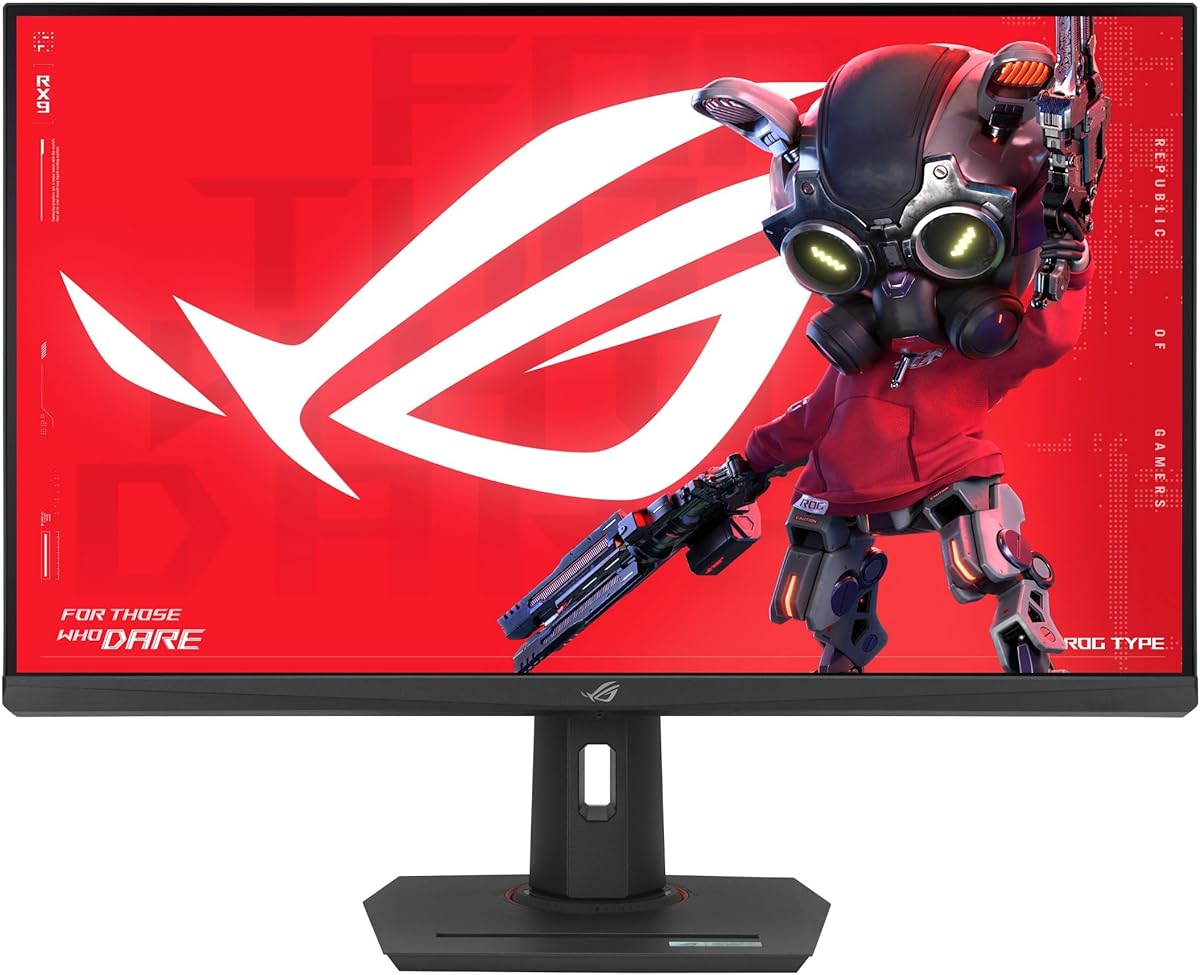
This model delivers 0.3ms response and dual-mode versatility for high-end play. It is highly rated for color and motion performance in large format.
We may earn a commission when you buy through this link, at no additional cost to you.
ROG Gaming AI adds subtle optimizations. Color accuracy ensures vivid visuals. 3-year warranty adds peace of mind.
Price is steep and GPU demands are high. Great for serious enthusiasts who want top-tier specs.
Buy this if 4K clarity and motion speed are non-negotiable. Ideal for flagship gaming rigs.
0.3ms response minimizes ghosting in fast scenes.
Three-year warranty includes repair service for safety.
We may earn a commission when you buy through this link, at no additional cost to you.
This 34-inch ultrawide offers 200Hz and immersive curve for budget gamers. It is well received for price and field-of-view balance.
We may earn a commission when you buy through this link, at no additional cost to you.
AI Blue light helps reduce strain. VRR ensures smooth visuals on consoles. Great for sim racing and productivity.
VA panel has slower pixel response than IPS. Speakers are missing. Good for casual wide-screen fans.
Choose this if ultrawide immersion is priority. Best for those wanting size without cost.
1500R curve fills your peripheral vision naturally.
Fast VA panel delivers strong contrast with decent speed.
We may earn a commission when you buy through this link, at no additional cost to you.
Choosing an AI ready monitor involves balancing performance, smart features, and resolution needs. We break down the key factors to help you decide.
Resolution determines clarity and detail while size affects immersion. Larger screens like 40-inch models suit multitasking and content consumption.
Select 4K or higher if clarity is key for your daily tasks.
Higher refresh rates reduce motion blur and improve gaming smoothness. Models range from 60Hz to 320Hz depending on usage.
Choose 120Hz or more for competitive games and fluid UI.
AI can optimize brightness, color, and voice interactions automatically. Some monitors include tools like voice amplification or AI upscaling.
Prioritize models with AI picture optimization if viewing comfort matters.
Ports like USB-C, HDMI, and Thunderbolt define how easily you connect devices. USB-C with power delivery simplifies laptop setups.
Look for USB-C 90W or Thunderbolt 5 if you need fast charging.
IPS panels offer better color accuracy while VA offers deeper contrast. Fast IPS and VA hybrids balance speed and image quality.
Pick IPS if color fidelity is critical for your work.
Adjustable stands with height, tilt, and pivot support long sessions. Some include VESA mounting for flexible installation options.
Ensure the stand allows full adjustability to avoid neck strain.
Smart monitors with webOS or TV apps allow streaming without a PC. These are helpful for shared spaces or light usage setups.
Check app compatibility and OS ease of use before buying.
A solid warranty covers defects and ensures peace of mind. Some brands include advanced replacement for faster service.
Check the warranty length and claim process before finalizing purchase.
Start by connecting all cables securely and updating drivers to ensure smart features work correctly. Calibrate brightness and color settings manually to match your room conditions.
Use built-in AI tools like brightness control and eye care modes regularly. These features adjust automatically but manual tweaks may suit specific environments.
Clean the screen with a soft microfiber cloth and avoid harsh chemicals. Keep firmware updated via manufacturer apps to benefit from new AI capabilities.
An AI ready monitor includes onboard processing to optimize visuals, adjust brightness, or manage inputs automatically. These tools help enhance comfort and reduce manual adjustments.
Smart monitors add streaming and control features without needing a PC. They suit media rooms or secondary setups but may lack advanced gaming performance compared to dedicated units.
Most AI functions like brightness control or upscaling work locally. However, streaming apps require internet. Check specs to confirm offline capabilities.
USB-C delivering 90W or more allows charging laptops while connecting. For power-hungry devices, look for Thunderbolt 5 or higher wattage.
AI features like crosshair assistance or noise reduction can improve experience. However, gaming performance still depends on refresh rate and panel type.
Yes, most models allow toggling AI tools via menus. Turning them off restores standard display behavior if preferred.
The LG 27UP850K-W and Samsung ViewFinity S8 stand out for versatility and performance. Each model offers unique strengths depending on user needs.
Prioritize resolution and AI features that match your daily tasks. For pure gaming, fast refresh rates matter more than smart platforms.
Always check current offers before purchasing since deals change often. The right fit balances performance, price, and smart capabilities.