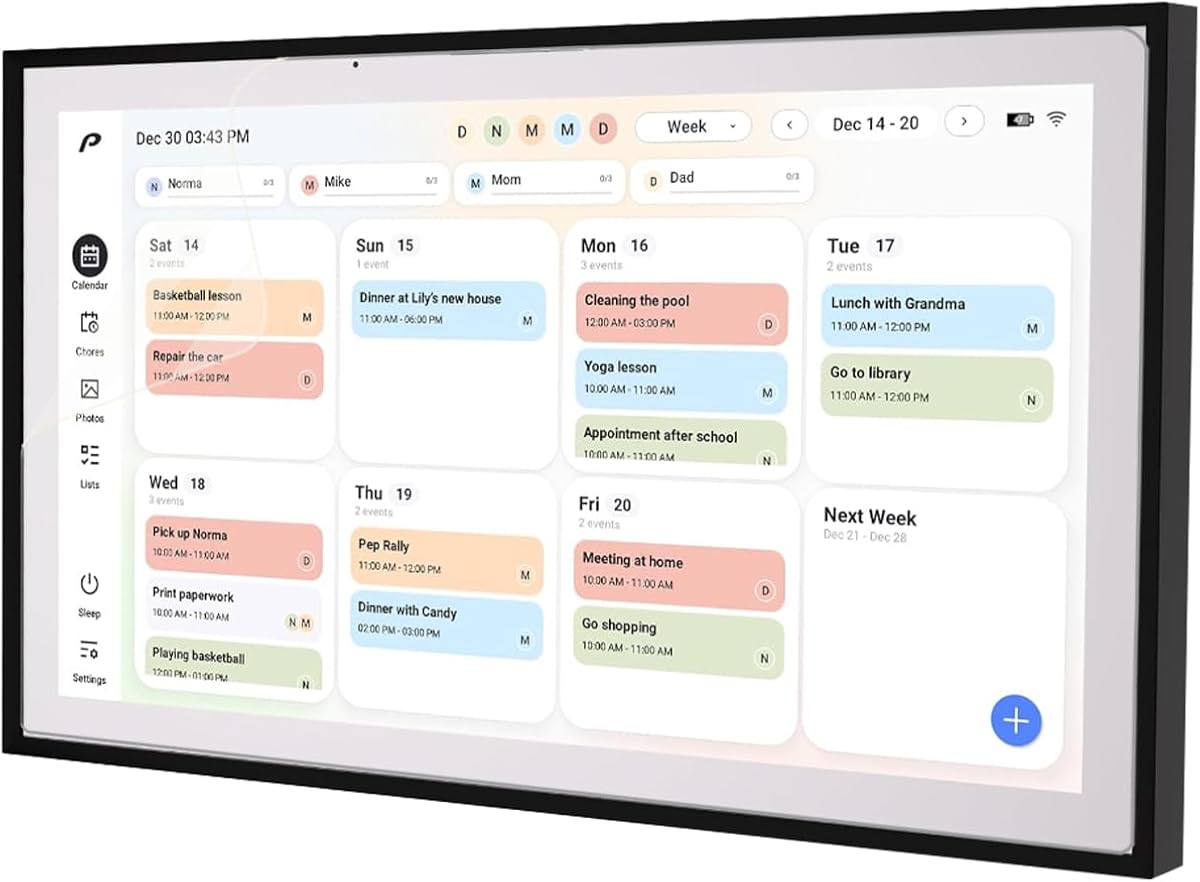
2 Pack Screen Protector for 15.6" Skylight Digital Calendar
5.0Editor score
Ultra-thin 0.15mm thickness
5H hardness protection
Includes cleaning tool kit
Digital calendars have become essential tools for modern family organization. Protecting their screens from scratches and glare is vital for longevity and usability. A high quality screen protector ensures your device remains clear and responsive throughout daily use.
We evaluated ten top rated protectors based on compatibility, clarity, and durability. Our analysis focuses on how each product balances protection with touch sensitivity. We included models for various sizes from ten inch to seventeen inch displays.
Each pick highlights specific strengths like anti glare coatings or bundled styluses. Note that availability and pricing may change over time. Check current listings before making your final decision to ensure you get the best value.
5.0Editor score

4.2Editor score

3.2Editor score
As an Amazon Associate we earn from qualifying purchases.
This side by side comparison highlights the key specifications and features of each selected protector. Use this table to quickly find the model that matches your calendar size and protection needs.

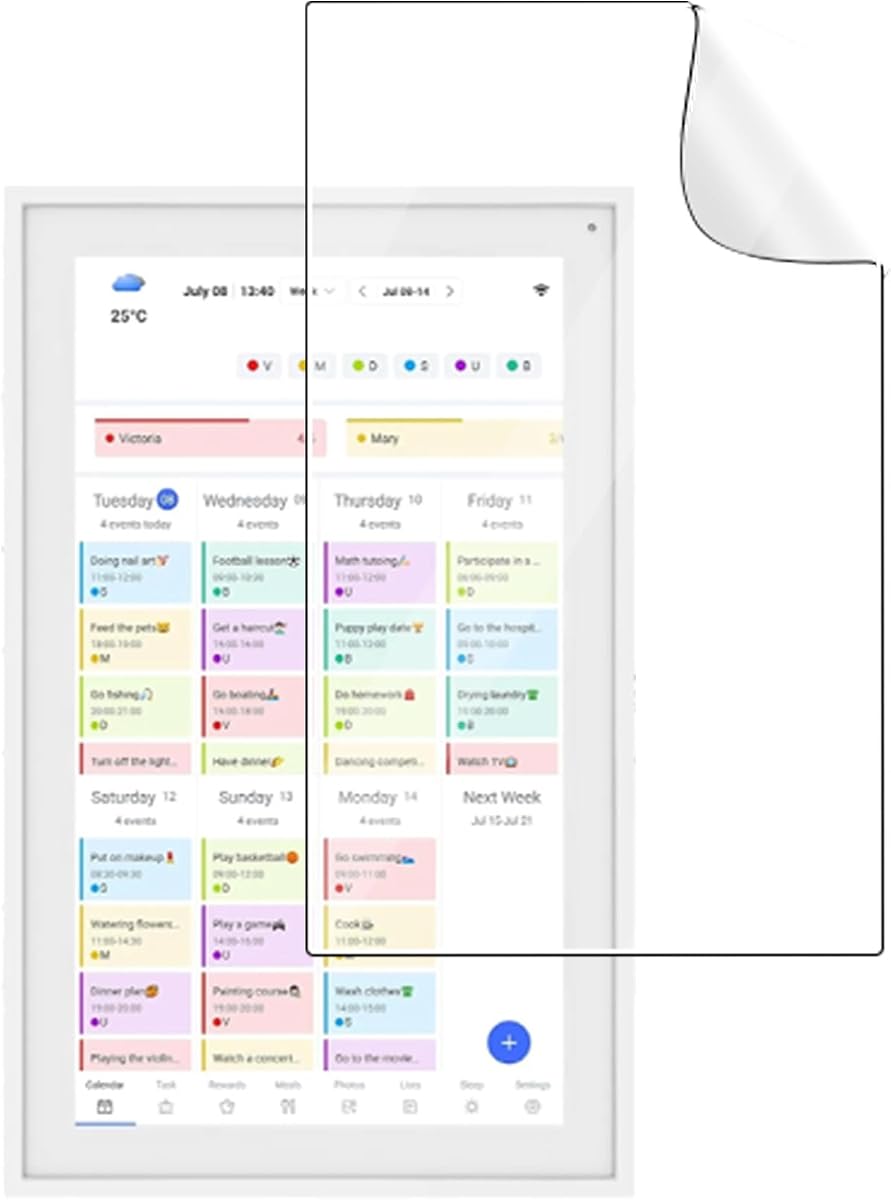

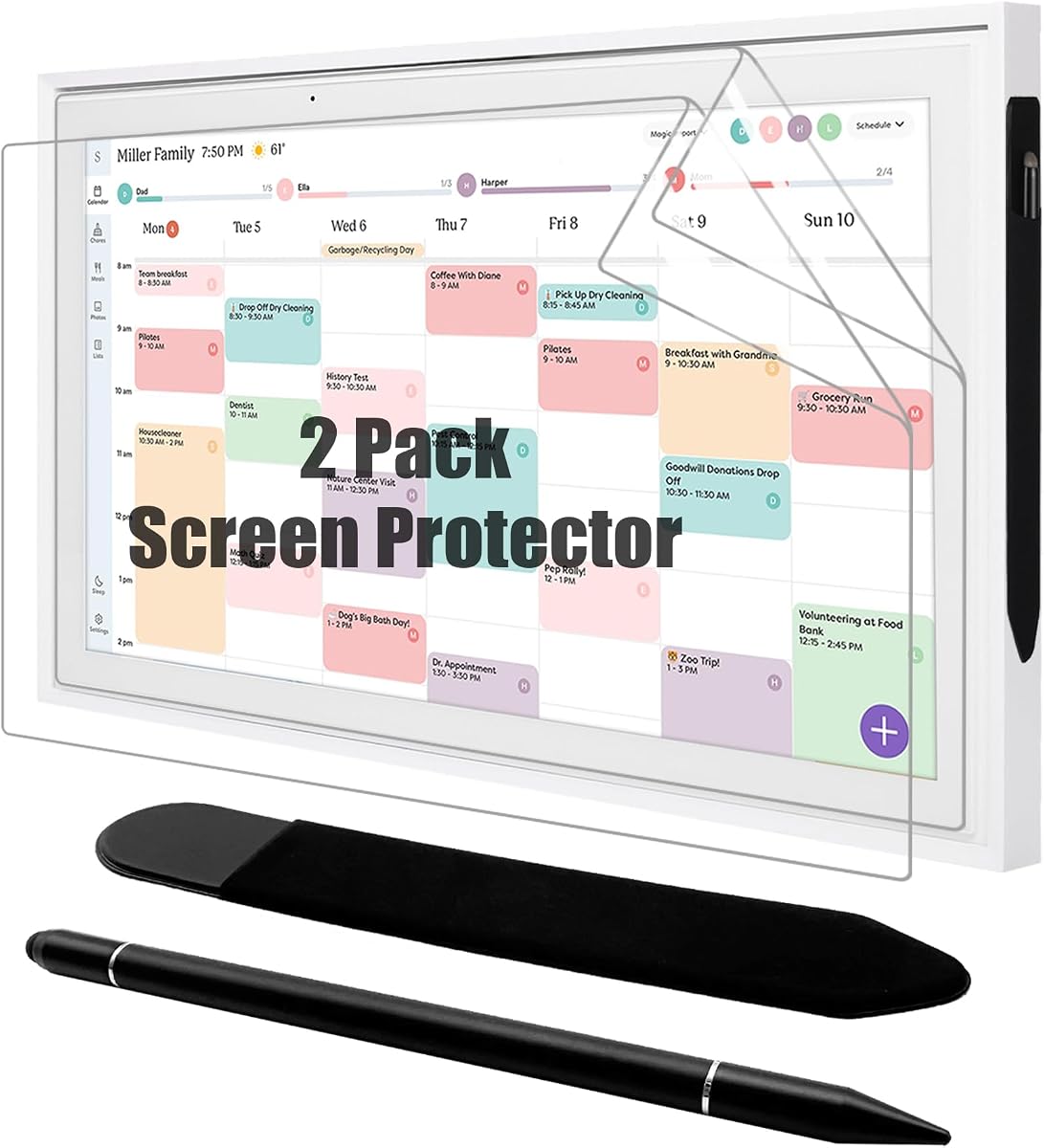


This accessory kit stands out by combining screen protection with a functional stylus. It earned a solid rating for its complete approach to protecting the digital calendar. The Paperfeel texture provides a comfortable writing experience that mimics paper.
We may earn a commission when you buy through this link, at no additional cost to you.
The anti-glare layer significantly reduces reflections from windows and indoor lights. This ensures clear viewing even in bright sunlight. The oleophobic coating keeps fingerprints at bay so your schedule stays visible without constant wiping.
The stylus pen offers multiple tips including a transparent disc for precise edits. However the rubber tip might wear over time with heavy use. The ballpoint function is a neat addition but requires unscrewing the rubber tip to access.
This kit is ideal for families who write on their digital calendars daily. The included stylus saves you from buying one separately. We recommend it for users wanting a complete solution in one package.
The Paperfeel texture reduces glare and mimics writing on paper for comfort.
Three functions in one pen provide flexibility for tapping scrolling and notes.
We may earn a commission when you buy through this link, at no additional cost to you.
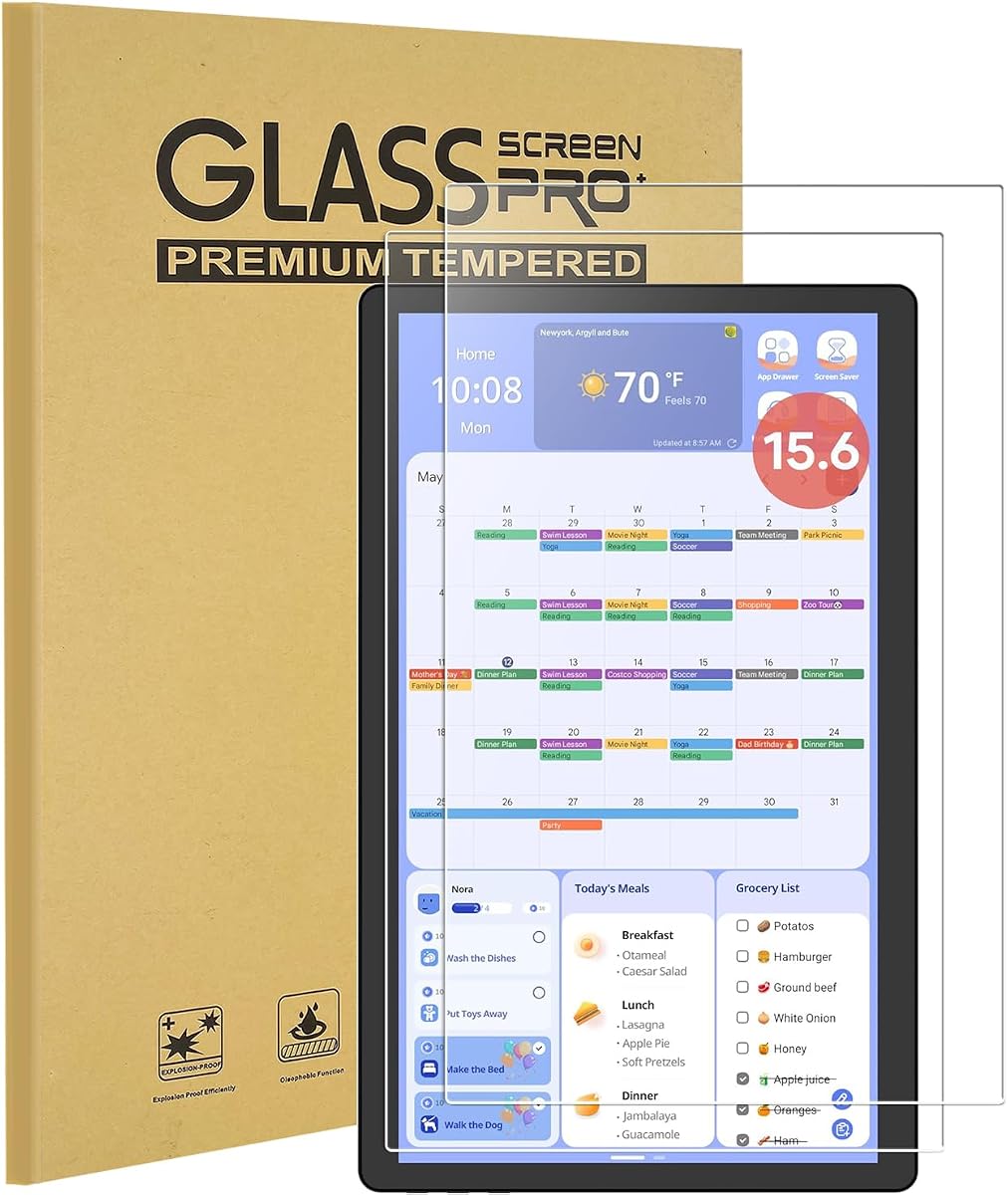
This tempered glass protector offers robust physical protection for your Skylight calendar. It received strong marks for clarity and scratch resistance in our review. The high hardness rating ensures your screen remains pristine against keys and coins.
We may earn a commission when you buy through this link, at no additional cost to you.
The venting adhesive technology simplifies installation by preventing dust bubbles. You align the protector and it adheres smoothly without air pockets. This feature makes it beginner friendly for those worried about mistakes.
While glass provides excellent scratch resistance it can still break under sharp impact. The oleophobic coating works well to repel oils and keep the screen clean. Touch sensitivity remains high thanks to the precise thickness.
Choose this if you prioritize scratch resistance and optical clarity above all. It suits users who handle their devices frequently. Ensure your calendar model matches the Skylight 15 inch size exactly.
The 9H hardness rating resists scratches from daily objects like keys.
Venting adhesive removes dust automatically for a smooth application.
We may earn a commission when you buy through this link, at no additional cost to you.
This budget friendly option delivers exceptional value with two high definition protectors. It achieved a perfect rating for its ability to maintain original display quality. The ultra-thin design ensures the touch screen remains responsive without adding bulk.
We may earn a commission when you buy through this link, at no additional cost to you.
The 5H hardness film resists minor scratches effectively. It includes a cleaning tool to help prep the screen before installation. The hydrophobic coating prevents water and oil stains from affecting visibility.
Film protectors may not offer the same impact resistance as glass. However the low price makes replacing them cheap if needed. Installation follows the guide to ensure a clean fit without bubbles.
Buy this if you need a spare protector or want to save money. It is ideal for families on a tight budget. Verify your device is the 15.6 inch Skylight model before ordering.
Get two protectors for the price of one so you always have a spare.
At 0.15mm the film keeps the screen sensitive and light.
We may earn a commission when you buy through this link, at no additional cost to you.
This protector is designed specifically for the 10.1 inch Smart Digital Calendar. It offers explosion proof safety to prevent shattered shards from flying in case of breakage. The high definition finish ensures your photos and calendars look crisp.
We may earn a commission when you buy through this link, at no additional cost to you.
The adhesive is formulated to apply smoothly without creating bubbles. It adheres strongly to the screen surface while remaining removable if needed. Touch sensitivity is preserved so tapping and swiping feel natural.
It lacks an anti-glare layer which might bother users in bright rooms. Since it is a 1 pack there is no backup if the first fails. Ensure you check your calendar model as it only fits 10.1 inch.
Select this if you own the specific Smart Digital Calendar model. It provides safe and clear protection for smaller screens. Look for bundles if you want a backup protector for long term use.
Explosion proof film keeps broken glass contained for safer handling.
Made specifically for 10.1 inch models to ensure perfect coverage.
We may earn a commission when you buy through this link, at no additional cost to you.
This matte finish protector excels at reducing glare from bright kitchen lights. It maintains a clear view while minimizing reflections that distract from your schedule. The anti-reflective coating is effective for outdoor use too.
We may earn a commission when you buy through this link, at no additional cost to you.
The included kit provides all tools needed for a smooth application. You get a microfiber cloth and squeegee to ensure proper alignment. The film is ultra-thin so it does not interfere with the touch experience.
While matte reduces glare it can slightly soften the image sharpness. This is a trade-off many users accept for better eye comfort. The 2 pack ensures you have a replacement if one gets damaged.
Buy this if glare is your biggest problem with the digital calendar. It suits users who write in well lit environments. The matte texture also feels nicer to the touch than glossy surfaces.
Matte coating cuts glare to protect eyes during long viewing.
Squeegee and cloth included make the process simple and clean.
We may earn a commission when you buy through this link, at no additional cost to you.
This combo kit delivers two protectors plus a functional stylus for writing. It offers significant glare reduction making it suitable for bright environments. The hydrophobic coating keeps the screen clean from oily fingerprints.
We may earn a commission when you buy through this link, at no additional cost to you.
The stylus includes a magnetic case to keep it secure on the device. You can write notes without worrying about losing the pen. The transparent disc tip allows for precise calendar editing.
Support is a strong point with 24/7 customer service available. If you have issues the team responds within hours. The kit is priced higher but saves buying accessories separately.
Choose this for a complete setup including writing tools and protection. It fits the Skylight 15 inch calendar perfectly. Ideal for those who want a dedicated stylus for daily updates.
Pen and protector combo saves money and ensures perfect compatibility.
24/7 customer service ensures quick resolution of any product issues.
We may earn a commission when you buy through this link, at no additional cost to you.
This tempered glass is tailored specifically for the Cozyla Digital Calendar 2. It features a 9H hardness rating that resists scratches from daily wear. The HD clarity ensures the screen colors stay vibrant and true.
We may earn a commission when you buy through this link, at no additional cost to you.
The oleophobic coating keeps fingerprints from smearing the display. You will need to wipe less often to keep the calendar clean. The pack includes two pieces so you can keep one as a spare.
Installation needs careful alignment to avoid dust under the glass. If you rush it might stick unevenly on the edges. The glass provides strong protection but can still chip if dropped hard.
Purchase this if you own the Cozyla model and need durable protection. It balances clarity with impact resistance well. Ensure you handle it carefully during installation for best results.
Made for Cozyla Calendar 2 to cover the screen perfectly.
Hardened glass resists scratches and keeps the screen looking new.
We may earn a commission when you buy through this link, at no additional cost to you.
This large format protector is designed for 27 inch wall mounted calendars. It focuses on eye health by blocking blue light and UV rays. Users report less eye strain when checking schedules at night.
We may earn a commission when you buy through this link, at no additional cost to you.
The anti-glare properties help in rooms with large windows or overhead lights. The oleophobic layer resists water and oil so wiping is easy. It maintains accurate touch response for navigation.
The film may add a slight tint to the display which some find distracting. It is best for homes where the calendar is viewed for long periods. The size makes it tricky to install without help.
Pick this for a large wall calendar where eye comfort is a priority. It suits families who check schedules late at night. Ensure your screen dimensions match the 27 inch requirement exactly.
Blue light blocking reduces strain during night time usage.
Tailored for 27 inch wall units with proper coverage.
We may earn a commission when you buy through this link, at no additional cost to you.
This BoxWave protector uses a glueless adhesive to avoid sticky residue. It fits the Dragon Touch 15.6 inch model precisely with cut-outs for ports. The matte finish disperses light to reduce reflections effectively.
We may earn a commission when you buy through this link, at no additional cost to you.
The glueless feature allows you to remove and reapply the film easily. You will not worry about sticky marks on your device screen. The surface feels smooth and comfortable for writing.
The adhesive may not hold as well as permanent glue over months. Dust can get trapped under the edges if not handled cleanly. Check that your calendar model matches the Dragon Touch name.
Use this if you want a clean removal option for your screen. It is ideal for renters who might change devices soon. Avoid if you need maximum permanence and long term adhesion.
Glueless adhesive leaves no sticky marks for easy cleaning.
Matte surface scatters light to minimize glare issues.
We may earn a commission when you buy through this link, at no additional cost to you.
This HD film offers excellent transparency for the Dragon Touch 10.1 inch calendar. It achieves a perfect rating for maintaining the original display quality. The glueless adhesive ensures clean application without residue.
We may earn a commission when you buy through this link, at no additional cost to you.
The HD surface keeps colors vibrant and text sharp. It resists scratches from daily contact. The pack includes an applicator card to help place it correctly on the screen.
The adhesive may take up to forty eight hours to fully settle. Bubbles might appear initially but usually vanish with use. The glossy finish can show fingerprints so you will wipe often.
Choose this if you want a clear view and safe installation. It fits the 10.1 inch Dragon Touch model perfectly. Ideal for users who prioritize visual clarity over anti-glare.
HD film preserves original brightness and color accuracy.
Glueless adhesive prevents sticky messes during installation.
We may earn a commission when you buy through this link, at no additional cost to you.
Selecting the right protector requires matching your calendar size and material preferences.
Digital calendars come in standard sizes like 10.1 inch 15 inch and 15.6 inch. Always check your device model number to ensure a perfect fit. A protector that is too large will cover buttons while one too small leaves edges exposed.
Match the protector dimensions exactly to your calendar screen for full protection.
Protectors are made of PET film or tempered glass. PET film is lighter and cheaper but scratches easier. Tempered glass offers stronger scratch resistance and a smoother feel but adds weight.
Choose glass for scratch protection and film for light weight and cost.
Finish options include glossy clear and matte anti-glare. Glossy finishes provide the best color clarity but reflect light. Matte finishes reduce glare and fingerprints but may soften the image slightly.
Select matte if glare is a problem and glossy if clarity is key.
Digital calendars rely on touch screens. Ensure the protector states it maintains 100 percent touch sensitivity. Thick protectors might reduce responsiveness and make typing harder.
Look for thin films under 0.5mm to keep touch accurate.
Bubble free adhesives and venting technologies make installation easier. Some kits include alignment frames or squeegees to help. Avoid installers with weak glue that peels at the edges.
Pick a kit with tools to simplify the application process.
If you write on the calendar a stylus friendly protector is needed. Some protectors come bundled with pens that match the surface texture. Verify that the screen does not cause friction with the stylus tip.
Choose a bundle if you write daily to save buying separate accessories.
Hardness ratings like 5H or 9H indicate scratch resistance. 9H glass is harder and more durable than film. Higher hardness protects against sharp objects but may still crack on impact.
Check hardness ratings to ensure long term scratch resistance.
Many protectors come in 2 packs or bundles. This gives you a backup if the first fails. Bundles with styluses or cleaning tools offer more value.
Opt for 2 packs to have a spare protector ready.
Clean the screen thoroughly with a microfiber cloth before applying the protector. Remove dust or oils to prevent bubbles from forming under the film.
Apply the protector slowly and use a squeegee to push air out from the center to edges. If bubbles persist wait 48 hours to let the adhesive settle.
Wipe the protector regularly with a soft cloth to remove fingerprints. Avoid harsh chemicals that might damage the oleophobic coating on the film.
Most high quality protectors maintain touch sensitivity. Choose thin films or glass under 0.5mm to ensure the device responds quickly.
Anti-glare reduce reflections from light sources. Anti-blue light block specific wavelengths to reduce eye strain. Some products combine both features for better protection.
Most adhesive protectors cannot be reused once removed. The glue loses effectiveness after initial application. It is better to install a fresh one for best results.
Styluses work best with matte or Paperfeel surfaces. Glossy protectors may cause too much friction for precise writing. Check the product details for stylus compatibility.
Replace it if it scratches deeply or peels at edges. For heavy users a protector might need changing every few months. Keeping a spare in the box helps.
Glueless or low tack adhesives are designed to remove without residue. However some sticky glues might leave marks. Always check the product description for safe removal.
Kits with alignment frames make installation easy for one person. Bubble free adhesives also simplify the process. Follow the included guide for best results.
Matte anti-glare protectors significantly improve sunlight visibility. They reduce reflections that wash out the screen. This helps families in bright kitchen environments.
We found the best overall protector includes a stylus for writing convenience. The budget friendly 2 pack offers great value for smaller devices. For large screens the anti-blue light option provides eye comfort.
Prioritize match size and touch sensitivity when making your choice. A perfect fit ensures you can read and write without hindrance. Consider anti-glare if your calendar is in a bright room.
Prices and availability change often so check the current listings before buying. We hope this guide helps you protect your digital calendar effectively. Enjoy a clear and safe display for your family schedules.