
LG UL3G 43" Class 4K UHD Conference Room & Digital Signage IPS LED Display (43UL3G-B)
4.5Editor score
IPS panel for wide angles
Built-in webOS 4.1
Certified Crestron Connected
Selecting the right conference room monitor is crucial for modern business communication. A high-quality display ensures clear visuals during presentations and video calls, enhancing collaboration and productivity for all team members.
We evaluated ten leading commercial displays based on resolution, connectivity options, and durability. Our analysis focuses on models designed for heavy-duty use, offering reliable performance in demanding office environments throughout the workweek.
Each pick highlights specific strengths like color accuracy, smart features, or cost efficiency. Prices and availability can shift quickly, so verify current details before purchasing to ensure you get the best value for your setup.
4.5Editor score

4.8Editor score

4.7Editor score
As an Amazon Associate we earn from qualifying purchases.
This side-by-side comparison highlights the core specifications of each selected model. Reviewing these details helps you match technical capabilities to your specific room size and connectivity requirements.

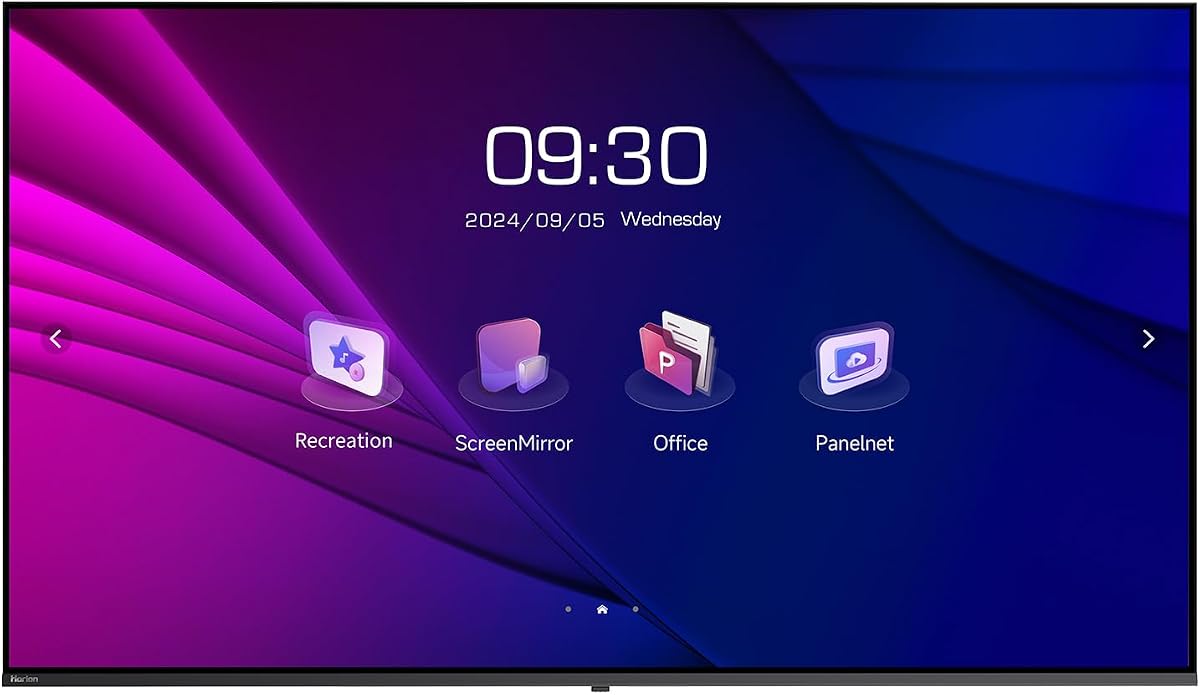
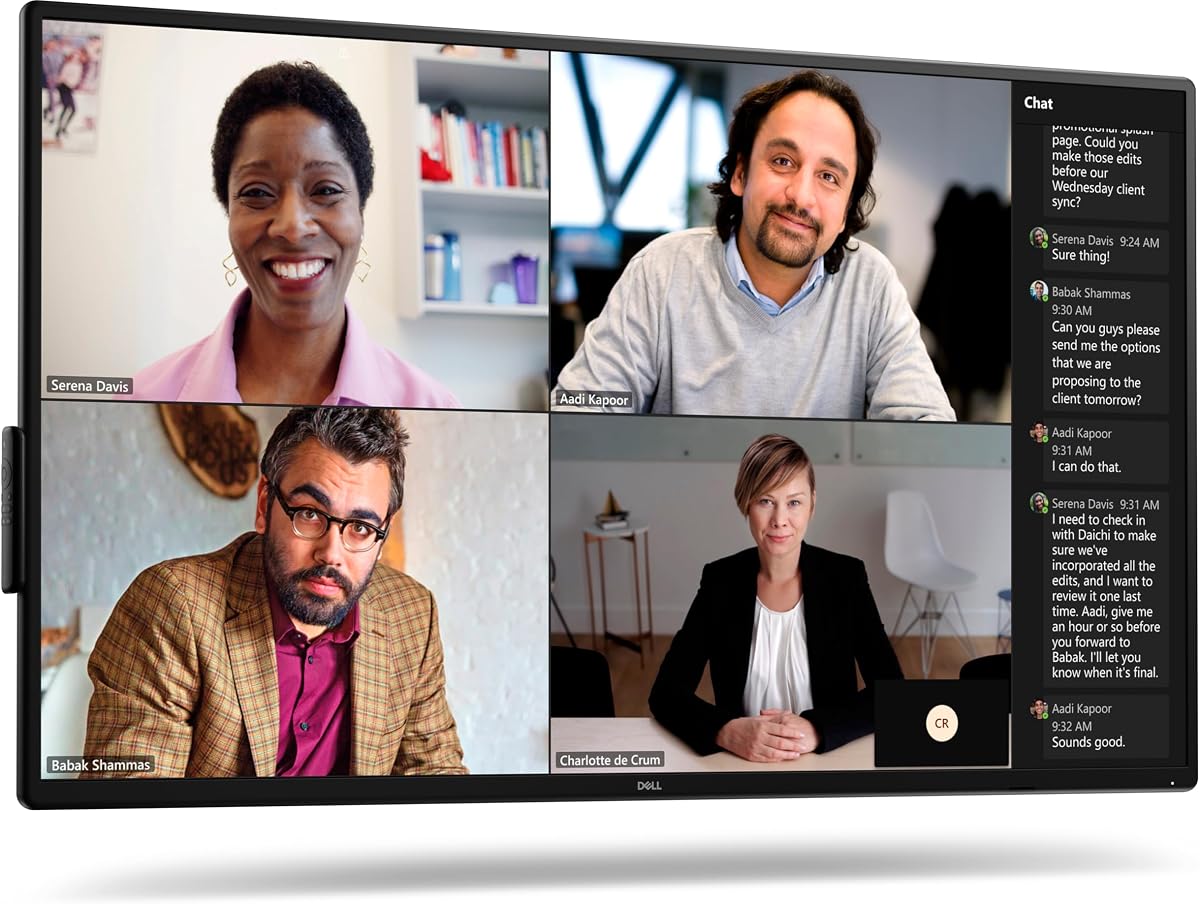


The Dell P5524Q stands out as a top choice for large conference spaces. Its 55-inch 4K panel delivers sharp visuals that make documents and spreadsheets easy to read from any angle.
We may earn a commission when you buy through this link, at no additional cost to you.
This monitor includes 2x10W speakers which simplify audio needs for video conferences. The anti-glare coating reduces reflections from overhead lights, ensuring clear visibility even in bright rooms.
While the price is higher than some competitors, the build quality justifies the investment. Security locks and cable slots help keep the setup secure and organized in busy environments.
Businesses needing reliable, high-quality displays should prioritize this model. It balances performance and practical features well for professional meeting rooms requiring consistent daily use.
The 4K resolution ensures detailed content is visible to all participants without distortion or pixelation.
Built-in speakers reduce the need for external audio devices, streamlining setup and cable management.
We may earn a commission when you buy through this link, at no additional cost to you.
The Samsung QB65R offers a massive 65-inch display ideal for large boardrooms. Its 4K UHD resolution combined with dynamic Crystal Color provides lifelike images for presentations.
We may earn a commission when you buy through this link, at no additional cost to you.
Built-in Wi-Fi and Bluetooth enable seamless content sharing from mobile devices. This feature supports modern workflows where team members present directly from tablets or phones.
The slim design aids in clean installation with minimal visible cables. System-on-chip technology means no external media player is needed for digital signage or content playback.
Organizations needing a large, smart display should consider this model. It offers excellent connectivity and visual performance for professional settings requiring high-impact visuals.
Built-in Wi-Fi and Bluetooth allow easy content sharing from mobile devices without extra adapters.
Cisco WebEx room kit compatibility ensures smooth integration with existing enterprise conferencing systems.
We may earn a commission when you buy through this link, at no additional cost to you.
The LG UL3G provides an affordable entry into professional 4K displays. Its 43-inch IPS panel ensures consistent image quality and wide viewing angles for all attendees.
We may earn a commission when you buy through this link, at no additional cost to you.
The bundle includes HDMI cables and a surge protector which saves on additional costs. Built-in System on Chip technology removes the need for external players, simplifying the setup process.
Certified Crestron Connected compatibility allows for easy control within smart office systems. This feature helps IT teams manage content and settings remotely across multiple locations.
Smaller teams or startups need a cost-effective solution should look here. It balances essential features and price well for professional conference environments requiring reliable visuals.
Included cables and protectors reduce initial setup costs and simplify installation logistics.
Crestron Connected certification enables seamless integration with existing office management infrastructure.
We may earn a commission when you buy through this link, at no additional cost to you.
The HORION 75 offers an impressive 75-inch screen for large spaces. Its 4K resolution provides clear visuals even in bright environments thanks to 320 cd/m2 brightness.
We may earn a commission when you buy through this link, at no additional cost to you.
Dual WiFi Pro ensures stable connections for wireless casting. This feature separates internet and casting channels to reduce lag during presentations or streaming content.
Low Blue Light certification reduces eye strain during long meetings. Vertical mounting capability allows for unique installations like lobby directories or shelf-edge displays.
Retailers and large offices need a flexible display should consider this. It supports heavy daily use and offers strong visual performance for varied applications.
Dual independent WiFi modules ensure reliable casting and internet connectivity without interference.
Low Blue Light technology helps protect vision during extended viewing sessions in offices.
We may earn a commission when you buy through this link, at no additional cost to you.
The Dell P5525QC brings a comprehensive set of ports including USB-C. This ensures easy connection to laptops without needing additional adapters for video and data.
We may earn a commission when you buy through this link, at no additional cost to you.
Its 55-inch 4K panel offers sharp visuals suitable for detailed presentations. The IPS technology maintains color accuracy across wide viewing angles for all meeting participants.
Commercial grade construction ensures reliability in demanding environments. Dell's reputation for support adds confidence for businesses needing long-term stability and service.
Tech-focused businesses needing versatile connectivity should pick this model. It balances modern interface support with robust display performance for professional needs.
USB-C and DisplayPort connections allow direct links to modern laptops and devices.
IPS panel ensures accurate colors and consistent images across different viewing angles.
We may earn a commission when you buy through this link, at no additional cost to you.
The Philips 34 offers a unique UltraWide format ideal for small huddle spaces. Its built-in webcam with Windows Hello allows easy login and secure access for authorized users.
We may earn a commission when you buy through this link, at no additional cost to you.
USB-C docking powers laptops while transferring video signals. This simplifies desk setups by reducing cable clutter and needing extra power adapters for connections.
The curved panel enhances immersion during presentations or content viewing. 100Hz refresh rates provide smooth motion which aids in dynamic data visualization or video playback.
Smaller workgroups need a compact all-in-one display should consider this. It streamlines setup with integrated tools designed for focused collaboration sessions.
Integrated webcam and speakers reduce the need for external peripherals in small spaces.
USB-C docking transfers power and data through one cable, simplifying workstation management.
We may earn a commission when you buy through this link, at no additional cost to you.
The Samsung QB43R delivers reliable 4K quality in a mid-size form. Its 350 nit brightness ensures content remains clear even under typical office lighting conditions.
We may earn a commission when you buy through this link, at no additional cost to you.
Built-in media player allows direct USB playback without extra hardware. This feature reduces cable clutter and simplifies content management for quick presentations or digital signage.
A three-year warranty offers significant peace of mind for commercial buyers. Slim bezels improve aesthetics and make it easy to integrate into modern office designs.
Businesses needing reliable display quality should consider this option. It balances performance and cost well for professional environments requiring consistent daily use.
Built-in media player supports direct USB content playback without needing external computers.
3-Year commercial warranty ensures reliable support for business operations and investment protection.
We may earn a commission when you buy through this link, at no additional cost to you.
The Sony FW75BZ30L offers top-tier HDR performance for professional spaces. Its VA LCD panel provides deep contrast and vivid colors that enhance visual impact.
We may earn a commission when you buy through this link, at no additional cost to you.
Support for both landscape and portrait modes adds flexibility for different layouts. This adaptability suits lobbies or directories where vertical displays are preferred over horizontal.
The build quality reflects a premium commercial grade designed for longevity. While expensive, it delivers superior visual fidelity for high-end meeting environments requiring clarity.
Organizations prioritizing visual excellence should choose this premium model. It balances advanced features with robust construction for demanding professional applications.
HDR support provides deeper blacks and brighter highlights for more realistic visuals.
Switch between landscape and portrait modes to adapt to different room layouts easily.
We may earn a commission when you buy through this link, at no additional cost to you.
The Samsung QE50T is rated for reliable 16/7 operation in tough environments. This makes it suitable for lobbies or retail spaces needing consistent display availability.
We may earn a commission when you buy through this link, at no additional cost to you.
IP5X dust-proof rating helps protect against debris in high-traffic areas. Built-in speakers provide basic audio for presentations without needing external sound systems.
Crystal 4K Processor ensures upscaling of standard content maintains quality. A slim bezel-less design improves aesthetics and fits well in modern office layouts.
Businesses needing a robust display for long hours should pick this. It balances durability and basic features well for demanding commercial applications.
Rated for 16 hours daily operation ensures reliable performance in busy spaces.
IP5X rating protects the internal components from dust and particulates.
We may earn a commission when you buy through this link, at no additional cost to you.
The Logitech MeetUp is a dedicated video conferencing system for small rooms. Its 4K sensor captures clear images and participants from various angles effectively.
We may earn a commission when you buy through this link, at no additional cost to you.
Beamforming microphones capture voices up to 4 meters away clearly. This audio quality reduces noise and ensures remote attendees can hear discussions without issues.
Motorized pan and tilt allow adjusting the view dynamically. A simple USB plug-and-play connection makes it compatible with existing displays or laptops.
Organizations needing easy video collaboration tools should consider this unit. It provides essential camera and mic features to enhance remote meeting experiences.
Beamforming microphones isolate voices to reduce background noise during meetings.
Motorized pan and tilt allow dynamic view adjustments for better coverage.
We may earn a commission when you buy through this link, at no additional cost to you.
Choosing the right conference room monitor requires balancing technical specs with physical constraints.
Screen size determines visibility based on room depth. Resolution impacts clarity; 4K ensures detailed text is readable.
Select 4K resolution and sizes matching seating distance for clear viewing.
Modern meetings require versatile inputs. HDMI USB-C and wireless casting are essential for connecting diverse devices.
Ensure the monitor supports all connection types your team uses regularly.
IPS panels offer wide viewing angles vital for groups. Brightness matters for rooms with windows.
Pick high brightness and IPS panels for consistent image quality.
Integrated speakers can simplify setups. Good quality is needed for video calls.
Check speaker quality or plan for external audio if needed.
VESA standards determine compatible mounts. Consider portrait or landscape orientation.
Verify VESA compliance and ensure proper mounting hardware is available.
Commercial displays offer better longevity than consumer models. Warranty terms reflect build quality.
Prioritize commercial grades with strong warranty support for business use.
Position the monitor at eye level to reduce neck strain. Ensure cables are organized to prevent tripping or damage.
Clean the screen with a microfiber cloth to remove dust. Avoid harsh chemicals that might damage the coating.
Turn off the display when not in use. Use power-saving settings if available to extend lifespan.
For small huddle rooms 32 to 43 inches often suffice. Large boardrooms need 55 inches or more. Always consider viewing distance for clarity.
No many models require external cameras. Some business models include cameras for video calls. Verify this before purchasing.
Use HDMI or USB-C cables if available. Wireless casting features may also allow screen sharing. Check connection compatibility first.
Commercial displays are rated for longer daily use and better durability. They typically offer stronger warranties and connectivity. Consumer models are cheaper but less robust.
Yes most commercial monitors support VESA wall mounts. Ensure the mount matches the size and weight limits. Professional installation is recommended.
Many allow switching to portrait mode. This is useful for digital signage or directories. Check specific model specs for this feature.
Top picks like the Dell P5524Q and LG UL3G offer varied strengths. Choose based on budget and room size.
Prioritize connectivity and display clarity for effective meetings. Ensure all team members can see and hear clearly.
Prices and models change often. Review current listings before buying to secure the best deal.