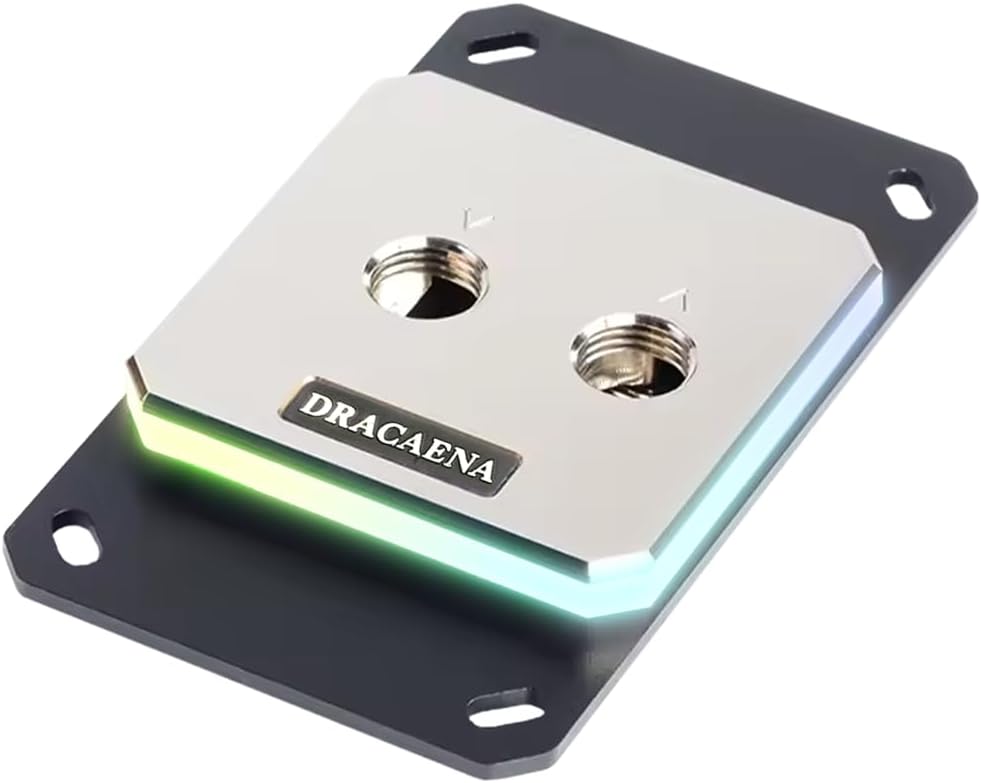
Dracaena.io CPU Water Block
4.6Editor score
Supports AM5 and AM4 sockets
Full copper internal channels
Includes ARGB sync controller
Choosing the right CPU water block is essential for any custom liquid cooling loop. These components sit directly on your processor to absorb heat and transfer it to the radiator. A quality block ensures stable temperatures even under heavy workloads like gaming or rendering.
We compared ten top-rated blocks based on thermal performance, build quality, and compatibility. Our analysis covers everything from budget-friendly copper designs to premium units with integrated LCD screens. Each product was evaluated for its ability to handle modern Intel and AMD platforms effectively.
Each pick highlights key strengths and ideal use cases for different builders. Whether you need maximum cooling or flashy visuals, this list provides clear guidance. Please note that product availability and pricing can change over time, so verify details before purchasing.
4.6Editor score

4.6Editor score

3.6Editor score
As an Amazon Associate we earn from qualifying purchases.
The following table provides a side-by-side comparison of all ten products reviewed in this guide. It highlights key specifications and features to help you quickly identify the best option for your specific system requirements and budget constraints.

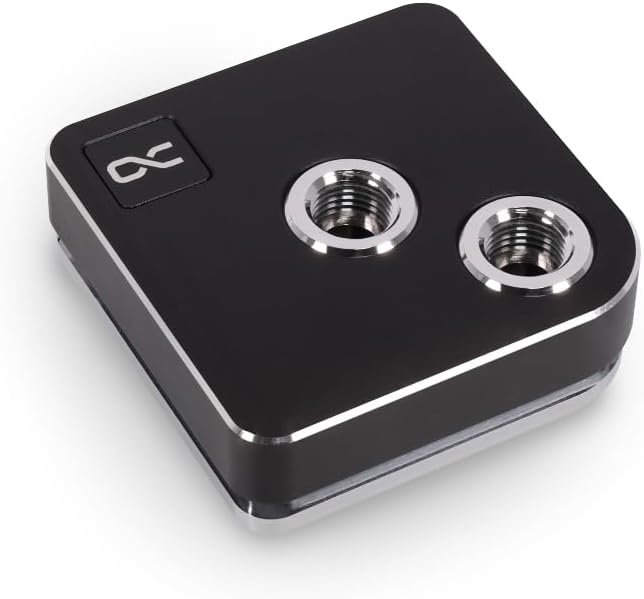

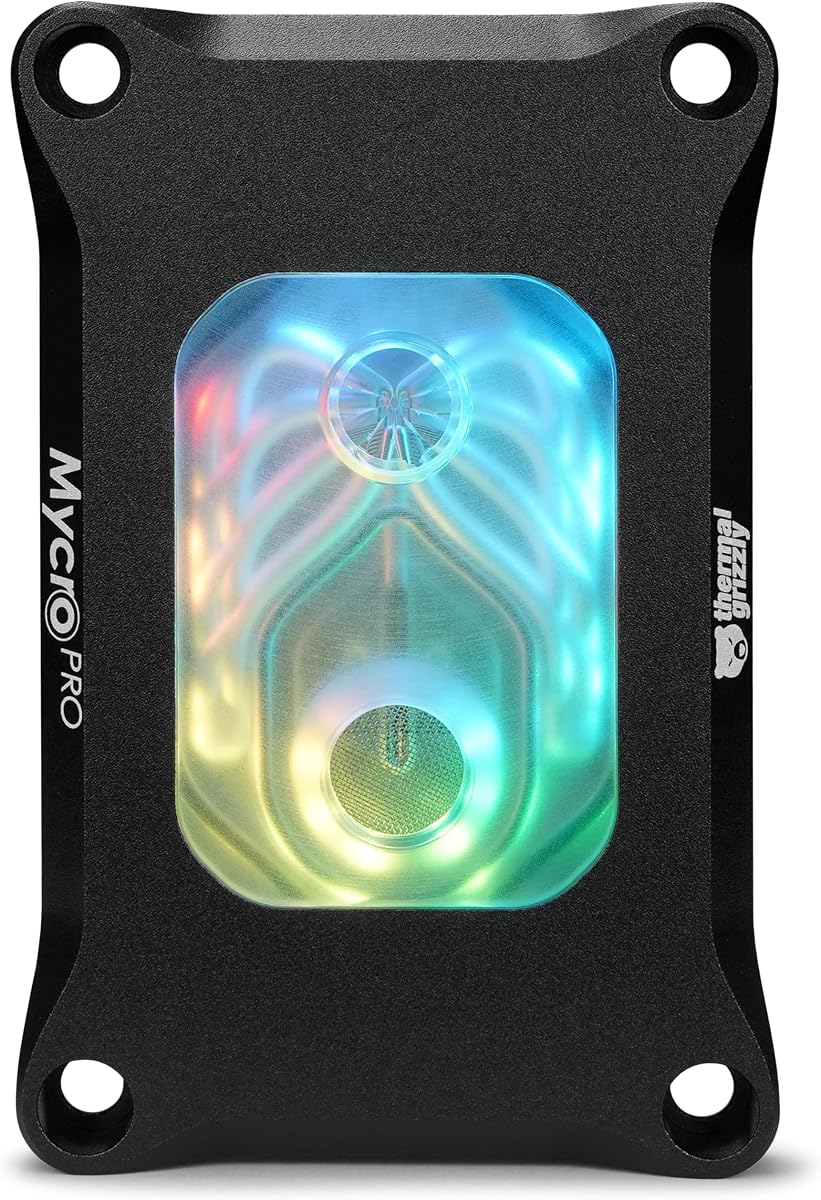
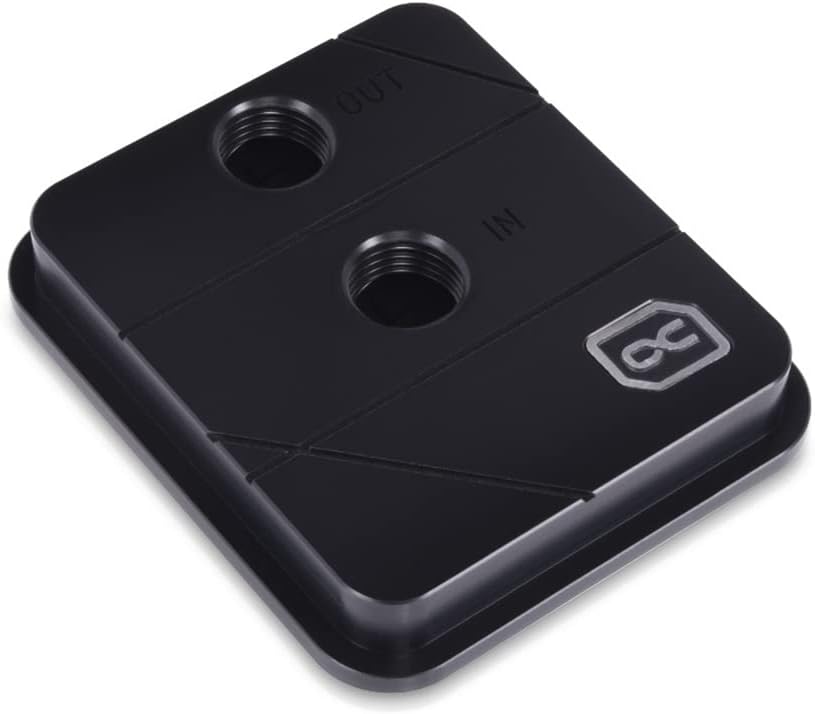


The EKWB EK-Quantum Velocity 3 is a high-performance CPU water block designed for modern AMD AM5 and Intel LGA platforms. It earns our Editor's Choice due to its optimized internal geometry that ensures maximum heat transfer efficiency. Users report up to 2 degrees C improvement over previous models.
We may earn a commission when you buy through this link, at no additional cost to you.
This block uses a nickel-plated copper cold plate for superior thermal conductivity. The precise mounting pressure guarantees even contact across the CPU die. Its compact dimensions fit most standard cases while delivering top-tier cooling for demanding workloads like rendering or gaming.
While it carries a premium price compared to basic blocks, the thermal gains justify the investment. The plexi top offers clear viewing but may scratch easier than metal options. For those seeking reliability and performance, the Velocity 3 stands out as a top contender.
We recommend this block for builders who prioritize cooling efficiency above all else. It supports the latest processors natively. If you need a balance of modern aesthetics and proven thermal results, the EKWB EK-Quantum Velocity 3 is the definitive choice for your custom loop.
The redesigned micro-fin structure maximizes surface area contact with the coolant for faster heat removal.
Engineered mounting pressure ensures the cold plate sits perfectly flat on the CPU for zero air gaps.
We may earn a commission when you buy through this link, at no additional cost to you.
The CORSAIR XC7 RGB Elite LCD combines high performance with show-stopping visuals. Its integrated 480×480 IPS screen lets you show temps or custom images directly on the block. This makes it a standout for users who want their cooling system to be the centerpiece of their build.
We may earn a commission when you buy through this link, at no additional cost to you.
Cooling is handled by the Hexa-Flow engine which uses a nickel-plated copper plate with 120 micro-cooling fins. This design ensures all CPU cores are cooled evenly even under heavy multi-threaded loads. The USB-C connectivity simplifies installation by eliminating the need for extra controller units.
The main trade-off is the reliance on the CORSAIR ecosystem which may limit compatibility with non-iCUE setups. Additionally the screen is delicate and requires careful handling during installation. However for enthusiasts seeking a unique look the visual impact is unmatched in the current market.
We suggest this block for CORSAIR users who value aesthetics as much as thermal performance. The easy setup and customizable screen make it a joy to use. If you want your PC to turn heads while staying cool this block delivers both utility and stunning style.
Mitigates laminar flow to ensure every core gets equal cooling for consistent performance.
True USB-C connectivity allows automatic setup without needing a separate controller unit.
We may earn a commission when you buy through this link, at no additional cost to you.
The Dracaena.io CPU Water Block offers exceptional value for budget-conscious builders. It supports virtually every AMD platform from AM5 back to AM2 with no adapters required. This broad compatibility makes it easy to reuse or swap CPUs without replacing the block itself.
We may earn a commission when you buy through this link, at no additional cost to you.
Its all-copper water channels ensure maximum thermal conductivity from inlet to outlet. The crystal-clear acrylic top panel provides a clean look without breaking the budget. The complete install kit includes the ARGB controller and mounting hardware so you have everything needed to start.
While the metal top might scratch over time the performance remains consistent due to the pure copper base. The 5V ARGB sync works with most major motherboard brands. It is an excellent entry point for those new to custom loops who still demand quality cooling.
We recommend this block for builders on a tight budget who refuse to compromise on performance. It is robust and fits almost any AMD system. If you need reliable cooling without the premium price tag this block is a smart and practical choice.
Covers over 15 years of AMD platforms meaning you can upgrade CPUs without buying new parts.
No aluminum in the water path ensures corrosion resistance and better heat transfer.
We may earn a commission when you buy through this link, at no additional cost to you.
The Alphacool Core 1 provides a clean and functional solution for modern systems. It supports both Intel LGA 1700 and AMD AM4/AM5 sockets ensuring it fits the latest CPUs. The matte black finish blends well with dark themed builds for a stealthy look.
We may earn a commission when you buy through this link, at no additional cost to you.
Alphacool is known for quality construction and this block reflects that. The nickel-plated copper cold plate ensures efficient heat transfer while the compact dimensions fit most motherboard spacing requirements. It is a no-nonsense block focused on reliable performance.
The lack of integrated lighting may be a drawback for RGB enthusiasts but can be solved with separate fans. The straightforward design avoids unnecessary complications during installation. For users who want simplicity and brand reliability this block is a strong candidate.
We suggest this block for builders who prefer a minimalist aesthetic over flashy features. It delivers solid cooling for daily use and gaming. If you need a dependable block for a new build without extra frills the Alphacool Core 1 is a safe pick.
The black finish helps the block disappear into the build for a professional look.
Supports the latest Intel and AMD sockets so it remains relevant for future CPU upgrades.
We may earn a commission when you buy through this link, at no additional cost to you.
This basic CPU Water Cooling Block is designed for older systems on a strict budget. It features a 50mm copper base with a large inner water channel to carry heat away quickly. It supports legacy sockets like AM2 and LGA 1150 which are rare in new builds.
We may earn a commission when you buy through this link, at no additional cost to you.
The construction is simple with chrome plated faucets that provide standard G1/4 connections. While it lacks modern features like RGB or precision machining it gets the job done for retro builds. The price point makes it accessible for anyone experimenting with liquid cooling.
Performance is adequate for standard loads but it is not intended for high-end overclocking. The fit on newer CPUs may be poor so check compatibility carefully before ordering. It is strictly a solution for vintage hardware enthusiasts or repair projects.
We recommend this block only for older machines where modern blocks are not available. It provides basic protection against overheating on legacy systems. If you are refreshing an old PC and need a cheap cooling solution this block is a viable option.
Specifically designed for older CPUs so you can cool them effectively with standard fittings.
The wide copper base maximizes contact with the CPU die for decent heat dissipation.
We may earn a commission when you buy through this link, at no additional cost to you.
The Thermal Grizzly Mycro Pro RGB is built for high-end custom liquid cooling systems. Its precision-machined nickel-plated copper plate features 68 microfins for maximum heat transfer under load. This design ensures efficient cooling even during sustained rendering or gaming sessions.
We may earn a commission when you buy through this link, at no additional cost to you.
An integrated fine mesh filter at the inlet helps trap particles to protect the microfin structure. This maintenance feature ensures consistent flow and prevents clogs over time. The G1/4 threads make integration into any standard loop simple and reliable.
The acrylic and aluminum construction balances durability with weight. The RGB window adds a subtle illuminated look without dominating the design. For enthusiasts who prioritize flow efficiency this block offers a robust solution for demanding setups.
We recommend this block for custom loop builders who value long term reliability. The filter helps extend system life by catching debris early. If you need a high-performance block for an AMD AM5 system this model is a top tier choice.
The 0.2 mm structure increases surface area significantly for faster heat absorption.
The mesh filter prevents debris from entering the microfin channels and causing blockages.
We may earn a commission when you buy through this link, at no additional cost to you.
The TRYX Panorama WB redefines custom loop aesthetics with a massive 6.67 inch curved AMOLED screen. This display supports GIPHY built-in allowing you to show animations directly on the block. The curved design adds depth and visual interest that flat screens cannot match.
We may earn a commission when you buy through this link, at no additional cost to you.
Performance is backed by the Asetek Gen8 V2 thermal architecture which ensures rapid heat transfer. A unique feature is the built-in VRM fan that targets voltage regulators directly. This makes it a complete cooling solution for both CPU and motherboard power delivery.
The cost is high compared to standard blocks but you get extra value from the VRM module and warranty. Setup requires software installation which can be complex for beginners. For those who want the most advanced visual and technical features this is the ultimate choice.
We suggest this block for showpiece PCs where visuals are the primary goal. The VRM fan adds real utility to the premium price. If you want a custom loop that feels like a workstation this block delivers unmatched innovation and style.
Targets motherboard voltage regulators directly to keep them cool during heavy overclocking loads.
Supports GIFs and videos via GIPHY to create a dynamic display on your CPU block.
We may earn a commission when you buy through this link, at no additional cost to you.
The Alphacool Core XP3 is a compact water block designed for efficiency and simplicity. It features an Acetal top material which is highly durable and resistant to scratching. The nickel plated copper base ensures good heat transfer for standard cooling needs.
We may earn a commission when you buy through this link, at no additional cost to you.
Its dimensions are smaller than many competitors making it easier to fit in tight cases. The 2 x G1/4 threads provide flexible plumbing options for loop routing. This block is a practical choice for builders who prioritize space saving over flashy design.
While it lacks lighting or smart features it remains reliable and effective. The build quality matches the reputation of the brand. It is suitable for budget loops or secondary systems where performance matters more than looks.
We recommend this block for small form factor builds or hidden systems. Its compact size and durability make it a versatile option. If you need a straightforward block without extra features the Alphacool Core XP3 is a reliable and functional choice.
The Acetal top resists wear and tear better than acrylic for long-term use.
Smaller dimensions help avoid conflicts with other components in compact PC cases.
We may earn a commission when you buy through this link, at no additional cost to you.
The CORSAIR iCUE Link XC7 is designed for seamless integration with the iCUE ecosystem. It uses universal connectors to daisy-chain components which reduces cable clutter significantly. The transparent flow chamber lets you see the coolant moving inside the block.
We may earn a commission when you buy through this link, at no additional cost to you.
Cooling performance relies on the Hexa-Flow engine which manages laminar flow for even cooling across cores. A built-in cold plate temperature sensor allows precise control over your system. This level of intelligence is ideal for automated cooling management.
The main limitation is the need for a Link Hub to fully utilize the connectivity features. Without it the block functions normally but you lose the cable management benefits. It is a great upgrade if you plan to expand your CORSAIR compatible setup.
We suggest this block for existing CORSAIR users seeking easier cable management. The visible fluid flow adds to the build aesthetics. If you want a clean setup with smart control this block is a strong addition to your custom loop.
See the coolant flowing inside the chamber to verify loop operation at a glance.
The built-in sensor enables dynamic cooling adjustments via software integration.
We may earn a commission when you buy through this link, at no additional cost to you.
The Alphacool Core 1 LT features a clear acrylic body that offers a modern aesthetic. It supports digital RGB lighting for seamless integration with your motherboard software. The design is sleek and fits well in contemporary cases looking for a clean look.
We may earn a commission when you buy through this link, at no additional cost to you.
It supports Intel LGA 1700 and AMD AM4/AM5 sockets ensuring compatibility with current processors. The nickel plated copper cold plate provides reliable heat transfer. While it lacks advanced microfin tech it performs well for standard gaming and workstation use.
Acrylic is lighter than metal but may scratch or crack if handled roughly during installation. It requires careful handling to avoid optical flaws. For those who prefer a lighter build with standard cooling this block is a good mid-range option.
We recommend this block for users who want a modern look with digital RGB. It is a versatile choice for new builds. If you need a reliable block with a clear finish the Alphacool Core 1 LT is a solid and stylish pick.
Connects directly to 5V headers for synchronized lighting across your entire system.
The clear top allows light to shine through the block for a glowing effect.
We may earn a commission when you buy through this link, at no additional cost to you.
Selecting the right CPU water block involves balancing thermal performance, aesthetic preferences, and compatibility. This guide outlines the critical factors you should consider before making your purchase decision.
Ensure the block supports your specific CPU socket type such as AM5 or LGA 1700. Some blocks require mounting kits that may need to be purchased separately for certain platforms.
Always verify the manufacturer's compatibility list to avoid fit issues during installation.
Look for blocks with optimized microfin structures and high-quality copper cold plates. Advanced designs like Hexa-Flow ensure even cooling across all cores for multi-chip packages.
Higher performance often correlates with more complex internal geometries that require specific coolant flow rates.
Nickel-plated copper is standard for cold plates as it resists corrosion while maximizing thermal conductivity. Acrylic or acrylic tops offer visual appeal but may be less durable than metal tops.
Check that the internal water path is free of aluminum to prevent corrosion issues in your loop.
Decide if you want integrated RGB lighting or an LCD screen. Ensure you have the necessary headers on your motherboard to control these features effectively.
If visual customization is important consider blocks with software integration for easy animation setup.
Measure your case and motherboard spacing before buying. Some blocks are taller due to screen or top designs which may interfere with memory or VRM coolers.
Compact blocks offer better clearance but might limit aesthetic options like large display screens.
Check for included mounting kits and hardware. Blocks with pre-applied mounting rails or USB-C connectivity simplify the setup process significantly.
Read installation guides carefully to avoid leaks or damage during assembly.
If you use specific brands like CORSAIR ensure the block integrates with their software ecosystem. Proprietary connectors can streamline setup but limit mixing with other brands.
Universal G1/4 fittings are recommended for maximum flexibility in future upgrades.
Set a realistic budget based on your cooling needs. Basic blocks offer solid performance at lower costs while premium models add visual features.
Invest in quality for the cold plate as it directly impacts CPU temperatures and system stability.
Always clean the CPU surface thoroughly before mounting. Apply a small amount of high-quality thermal paste to ensure efficient heat transfer between the CPU and the cold plate.
Check all fittings for leaks before adding coolant. Fill the loop slowly and bleed air from the system by tilting the case gently in different directions.
Inspect the block annually for any buildup or discoloration. Clean the filter if your block includes one to maintain consistent flow and prevent overheating.
Yes a CPU water block is part of a liquid cooling loop and requires a pump to circulate coolant. Without a pump heat will not be transferred effectively to the radiator. Ensure your pump is sized correctly for the flow resistance of your components.
No CPU water blocks are designed specifically for liquid cooling. They rely on flowing coolant to remove heat which an air system cannot provide. Using one without a loop will lead to immediate overheating.
Copper provides excellent thermal conductivity but nickel plating prevents corrosion and oxidation over time. Most high-end blocks use nickel-plated copper to balance performance and longevity.
It is recommended to replace your coolant every six months to a year depending on usage. Fresh coolant prevents algae growth and maintains clear flow for optimal performance and cooling efficiency.
Yes as long as they use standard G1/4 threads they are generally compatible. Ensure O-rings are intact and fittings are tightened properly to prevent leaks in your custom loop.
Hexa-Flow technology distributes coolant evenly across the cold plate to prevent hot spots. This ensures every core on the CPU receives equal cooling for stable performance.
Choosing the right CPU water block depends on your specific cooling needs and aesthetic goals. Whether you opt for a budget-friendly model or a premium display block ensure compatibility with your current hardware.
Prioritize thermal performance if you plan to overclock or run demanding applications. Blocks like the EKWB Velocity 3 offer the best balance of cooling efficiency and build quality for most users.
Keep in mind that prices and availability change frequently. Always check current listings and read reviews before purchasing to ensure you get the best deal available today.